Login
Login
Shipping Country
Super CLEARANCE CAMPAIGN - Selected tools and accessories with Super Special prices! - CHECK HERE
READ MORE
Login
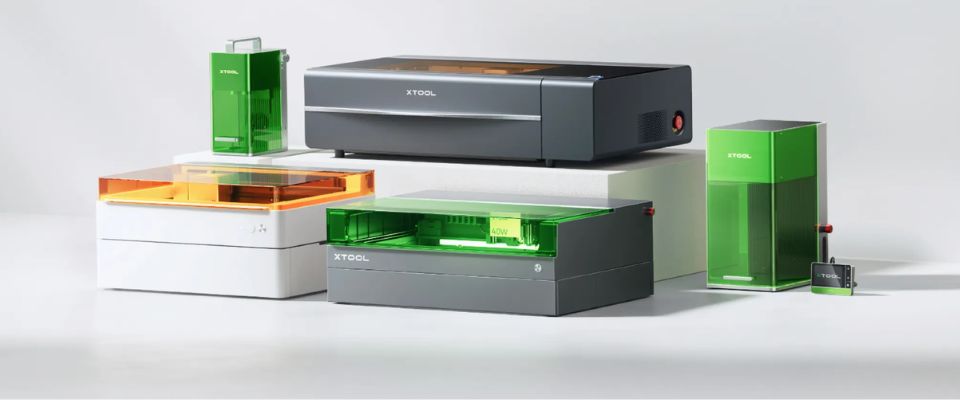
The short answer: the laser type decides which materials the machine is good for, and the laser class decides who is allowed to work with it. A diode laser cuts wood, plywood, cardboard, leather and coloured acrylic. CO? cuts all of those faster and, in addition, clear acrylic, which a diode laser does not cut at all. Fibre and MOPA lasers are for metal. A UV laser engraves inside glass without damaging the surface. Power affects speed and thickness, but it does not change which materials the wavelength bites into.
A material is not heated by a laser beam it does not absorb. The blue light of a diode laser (around 445–455 nm) passes through clear acrylic as if through a window: it neither cuts nor burns, even at double the power. The invisible far-infrared beam of a CO? laser (10,600 nm) is absorbed completely by acrylic, and that is why only CO? gives clear acrylic a polished cut edge.
The same logic works the other way round. Bare metal reflects blue light and conducts the heat away, so a diode laser leaves no mark on it without a separate infrared module. The 1,064 nm of a fibre laser is absorbed by metal, which is why marking metal is the work of fibre and MOPA lasers.
The blue diode laser is the most affordable way to start. It cuts and engraves wood, plywood, cardboard, felt, leather and coloured acrylic. Clear acrylic and bare metal are beyond it — metal becomes possible if an infrared module is added. In our range the M2, S1 and F2 are diode lasers.
CO? is the fastest and most versatile cutter for organic materials and the only one that cuts clear acrylic. It also goes through thicker wood in one pass and makes ordinary plywood work distinctly faster. The consumable is the laser tube, with a service life of thousands of hours. The P2S and P3 are CO? machines.
A fibre laser marks, deep-marks and cuts thin metal. It does not suit organic materials such as wood or cardboard. The F1 Ultra combines a 20-watt fibre laser and a 20-watt diode laser in one machine, so a single tool covers both metal and wood.
MOPA is a fibre laser whose pulse duration can be adjusted. That gives it a capability no other has: different colours can be produced in a controlled way on stainless steel. The F2 Ultra is a 60-watt MOPA and also carries a 40-watt diode laser.
A UV laser (355 nm) works as a cold process: it modifies the material without the heat spreading into the surroundings. The F2 Ultra UV engraves the image inside the glass or crystal without damaging the surface. That is a different thing from frosting the surface of glass, which CO? can do.
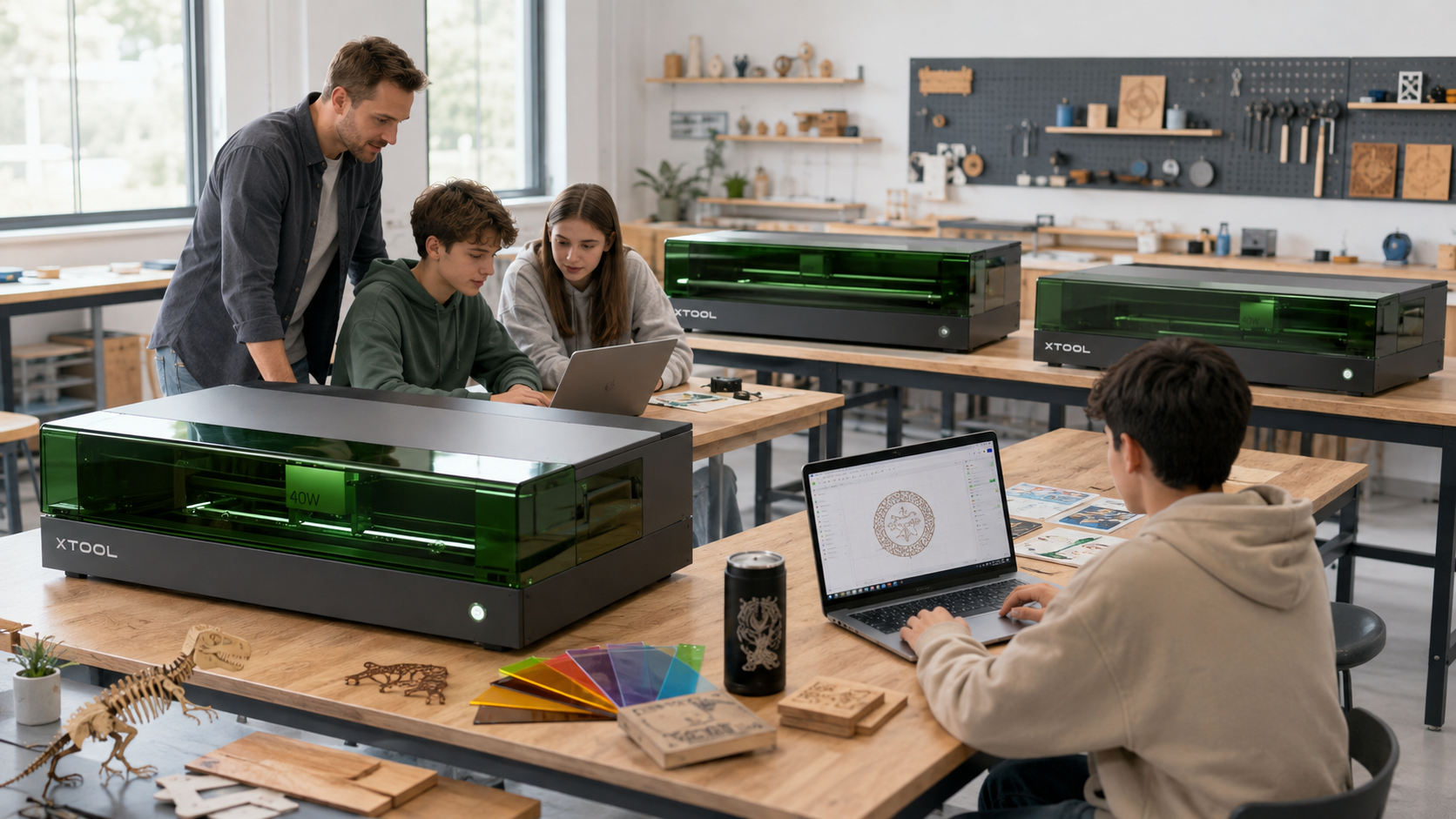
A Class 1 machine is built so that the user cannot be exposed to laser radiation in normal use: the working area is enclosed and safety interlocks monitor the position of the lid. No protective eyewear is needed, and the machine suits consumer, school and makerspace use.
A Class 4 machine allows exposure to the direct or reflected beam. It requires protective eyewear, a separate space and the safety arrangements of a professional user. Some machines are available in both versions — the P2S and the F1 Ultra, for instance — so the class should be stated explicitly on the order.
The classification covers laser radiation only. It does not remove the emissions created by heating materials, so fume extraction has to be planned in any case.
The M2 is a Class 1 diode laser in a closed housing. The working area is 426 × 320 mm, the power 10 W or 20 W, and the camera system shows on screen where on the material the job will sit. The 20-watt model cuts lime plywood up to 10 mm and is distinctly faster when a whole class is doing the same job.
The M2 adapts to three jobs: the 20-watt blue-light laser cuts and engraves, an optional 3-watt infrared module marks metal (working area 412 × 310 mm), and a CMYK inkjet module prints colour (300 × 294 mm). That makes the M2 both a first laser and a machine for several tasks.
The S1 sits between the M2 and the CO? machines. It is an enclosed Class 1 machine whose 40-watt module cuts material up to 18 mm thick, with a working area of 498 × 319 mm. Positioning is based on the machine's coordinate system rather than a camera, and autofocus measures the height of the material. An infrared module for marking metal is available.
In a galvo laser the beam is steered with mirrors instead of moving the whole laser head. That gives high speed over a small working area, which is exactly what marking and batch work require.
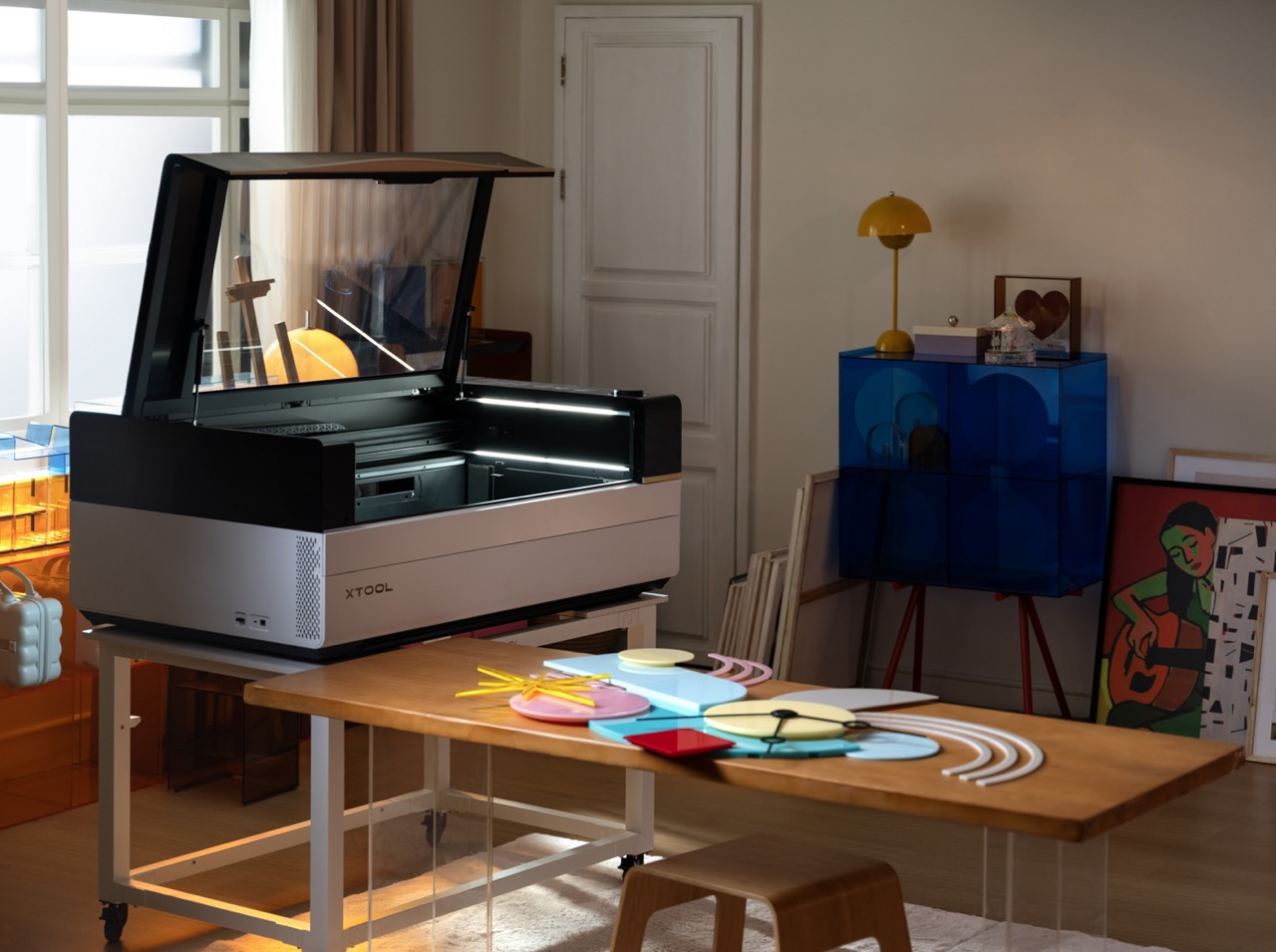
The P2S is a 55-watt CO? laser with a working area of 600 × 305 mm and camera positioning. It cuts clear acrylic and makes ordinary plywood work considerably faster than a low-power diode laser. It is available both as Class I for consumer and school use and as Class IV for professional use.
The P3 is an 80-watt CO? laser whose 914 × 457 mm working area is 2.2 times that of the P2S. It has several cameras, a bed that rises automatically and automated measuring and positioning functions. The P3's advantage is not only greater thickness but capacity: a large area and high speed reduce queueing when many people's work is done on the same machine. We sell the P3 as a machine intended for professional use.
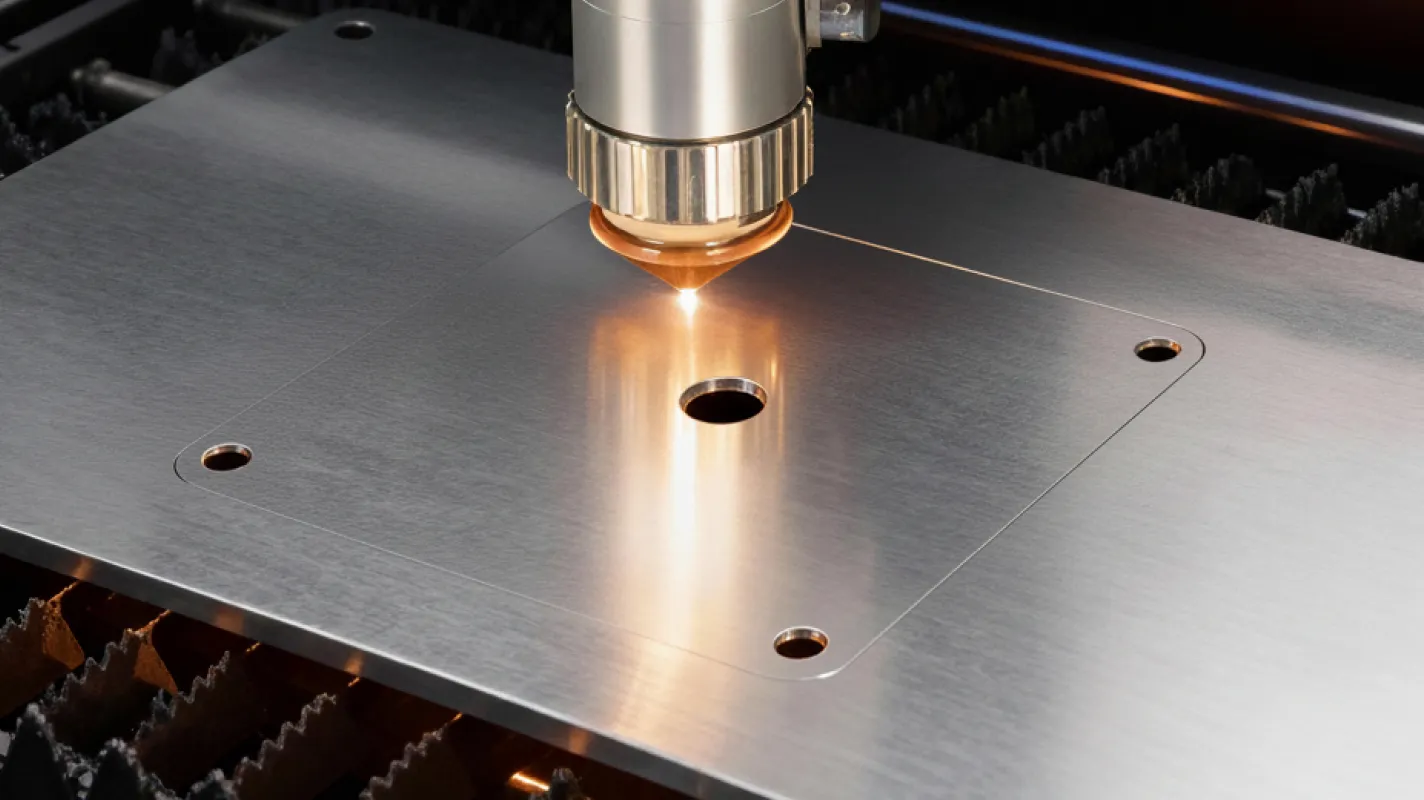
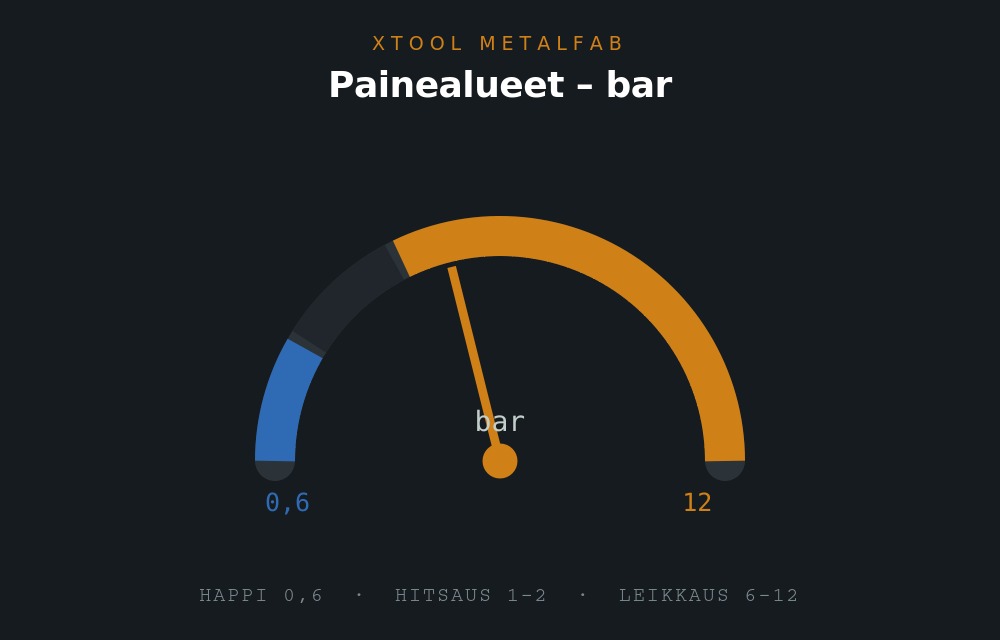
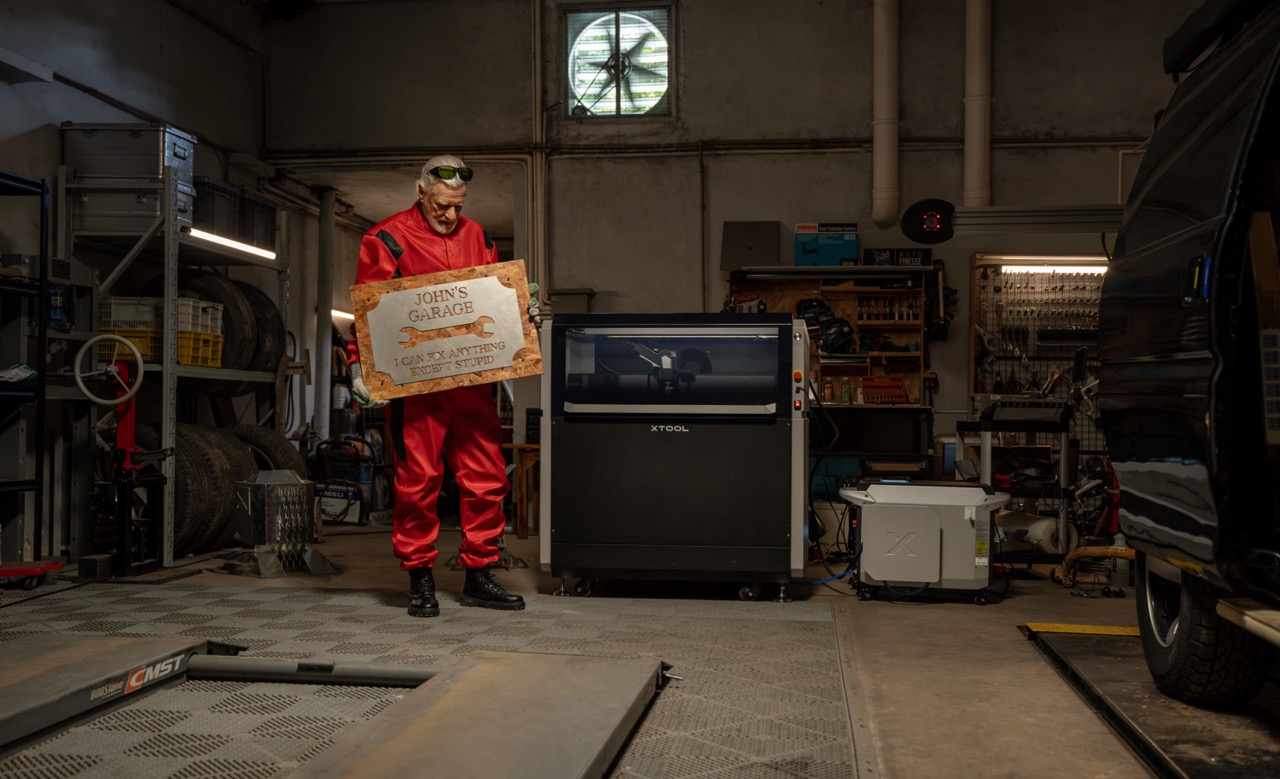
The MetalFab is not an engraving laser but an industrial workstation: a fibre laser welds and a CNC gantry cuts metal. The range includes the 800 W and 1,200 W laser units, a separate CNC cutter frame, and complete configurations containing both. Laser welding also requires shielding gas and drying of the compressed air.
| Series | Laser type | Power | Working area | Laser class | Strength |
|---|---|---|---|---|---|
| M2 | Diode, enclosed | 10 W or 20 W | 426 × 320 mm | Class 1 | Easy start, camera positioning |
| S1 | Diode, enclosed | 40 W | 498 × 319 mm | Class 1 | Faster and thicker cutting |
| F2 | Diode + infrared, galvo | 15 W + 5 W | 115 × 115 mm | Class 4 | Fast marking of small parts |
| F1 Ultra | Fibre + diode, galvo | 20 W + 20 W | 220 × 220 mm | Class 1 and 4 | Metal and organics on one machine |
| F2 Ultra | MOPA + diode, galvo | 60 W + 40 W | 220 × 220 mm | Class 4 | Colour marking on metal |
| F2 Ultra UV | UV, galvo | 5 W | 200 × 200 mm | Class 4 | Sub-surface engraving in glass |
| P2S | CO? | 55 W | 600 × 305 mm | Class I or IV | Clear acrylic, thick wood |
| P3 | CO? | 80 W | 914 × 457 mm | Professional use | Large area and capacity |
| MetalFab | Fibre, welding + CNC | 800 W or 1,200 W | Depends on the machine | Professional use | Welding and cutting metal |
Prices checked on 9 October 2026, starting at around €1,090 for the M2. The current price is always on the product page — prices of laser cutters and engravers move with exchange rates and campaigns, so do not rely on the figure in this article when ordering.
| Material | Diode (M2, S1, F2) | CO? (P2S, P3) | Fibre / MOPA (F1 Ultra, F2 Ultra) | UV (F2 Ultra UV) |
|---|---|---|---|---|
| Wood and plywood | Cuts and engraves | Cuts thicker, faster | Engraves | Engraves delicately |
| Cardboard, paper, felt | Cuts and engraves | Cuts and engraves | Not recommended | Not recommended |
| Leather and textile | Cuts and engraves | Cuts and engraves | Marks | Marks |
| Coloured acrylic | Cuts | Cuts | Does not cut | Marks |
| Clear acrylic | Does not cut | Cuts | Does not cut | Marks |
| Painted and anodised metal | Marks with the infrared module | Does not mark | Marks | Marks |
| Bare steel and aluminium | No | No | Marks, deep-marks, cuts thin stock | Marks |
| Glass and crystal | Surface only, unevenly | Frosts the surface | No | Engraves inside the glass |
| Welding steel and thick plate | No | No | No | No |
Welding metal and cutting thick plate belong to the MetalFab, which is a machine type of its own and not an engraving laser.
The surface of the material is heated or vaporised so that its colour changes. No material is removed, so the mark feels flat to the touch. Even modest power is enough for this, and it is the most common work of a diode laser and an infrared module.
The power is enough to remove the surface layer over several passes, creating a recess or a relief you can feel. This requires a fibre or MOPA laser; the F1 Ultra and F2 Ultra do it on metal.
A UV laser focuses the energy inside the glass, where it forms an image without damaging the surface. The mark appears three-dimensional inside the glass. Only the F2 Ultra UV can do this.
Laser cutting produces smoke and, depending on the material, particles and gases. The exhaust air is either led outside or filtered with a system intended for lasers. Our range includes a bench-top air cleaner for smaller machines and, for heavier use, the SafetyPro AP2 and AP2 Max with HEPA, gas and formaldehyde filtration.
Other accessories that make the work easier are riser blocks for thick pieces, a rotary attachment for cylindrical objects such as bottles and mugs, a conveyor for continuous production, and a honeycomb bed, which supports the material evenly and reduces reflections onto the underside.
Define a list of approved materials as well. Unknown plastics are not cut with a laser, because the compounds they form when heated are not known. PVC, vinyl and other chlorine-containing plastics are absolutely forbidden: they form hydrogen chloride, which is toxic and corrodes the machine's optics and metal parts.
The blue light of a diode laser (around 450 nm) passes through clear acrylic without being absorbed, so it neither cuts nor burns it. The 10,600 nm of a CO? laser is absorbed completely by acrylic, which is why only CO? gives a polished cut edge.
MOPA is a fibre laser whose pulse duration can be adjusted. That gives it the ability to create controlled colours on stainless steel — an ordinary fibre laser marks but does not colour.
A Class 1 machine is enclosed and fitted with safety interlocks, and the user is not exposed to the beam in normal use; no protective eyewear is needed and the machine suits school and consumer use. A Class 4 machine allows exposure and requires protective eyewear, a separate space and the safety arrangements of a professional user.
A UV laser focuses the energy inside the glass, where it forms an image without damaging the surface. That is different from frosting the surface of the glass. Only the F2 Ultra UV can do it.
No. Power affects speed and cutting thickness, but the wavelength decides whether the laser bites into the material at all. Double the power does not help if the material does not absorb that wavelength.
PVC, vinyl and other chlorine-containing plastics — when heated they form toxic hydrogen chloride, which corrodes the machine's optics and metal parts. Unknown plastics are not processed either.
Yes. The safety classification covers laser radiation only and does not remove the emissions created by heating materials. The exhaust air is led outside or filtered with a system intended for lasers.
The closest is the F1 Ultra, which has both a fibre laser for metal and a diode laser for organic materials. Clear acrylic still requires a CO? laser, and engraving inside glass a UV laser.
100% Trustworthy online store with history
Expert customer service
Fast deliveries
Large selection directly from stock
No middlemen - save on the price






 Suomeksi
 På Svenska