Super CLEARANCE CAMPAIGN - Selected tools and accessories with Super Special prices! - CHECK HERE

READ MORE
Shipping Country

Vectric - VCarve Pro V12.5 - CAD/CAM software, unlimited work area

Vectric - VCarve Pro V12.5 - CAD/CAM software, unlimited work area

Drawing and import

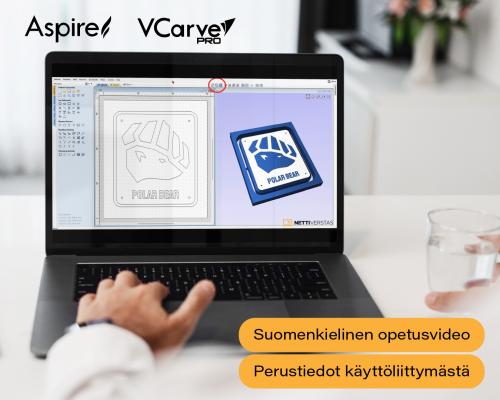
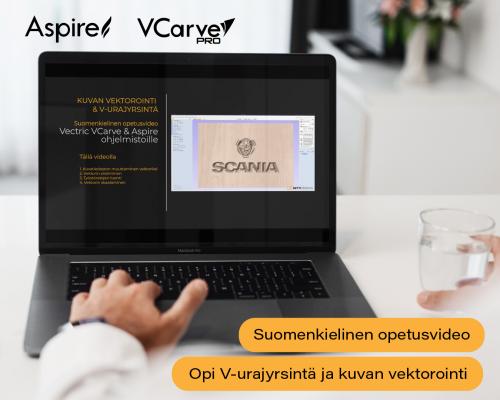
Import a finished drawing or draw it from scratch. Supported 2D formats are DXF, EPS, AI, SVG, SKP (SketchUp) and PDF. A full set of drawing and editing tools is included: shape creation, node editing, text tools, boolean operations, trimming, offsets and filleting. A bitmap image can be traced automatically, turning a logo or sketch into a machinable vector.

Toolpaths

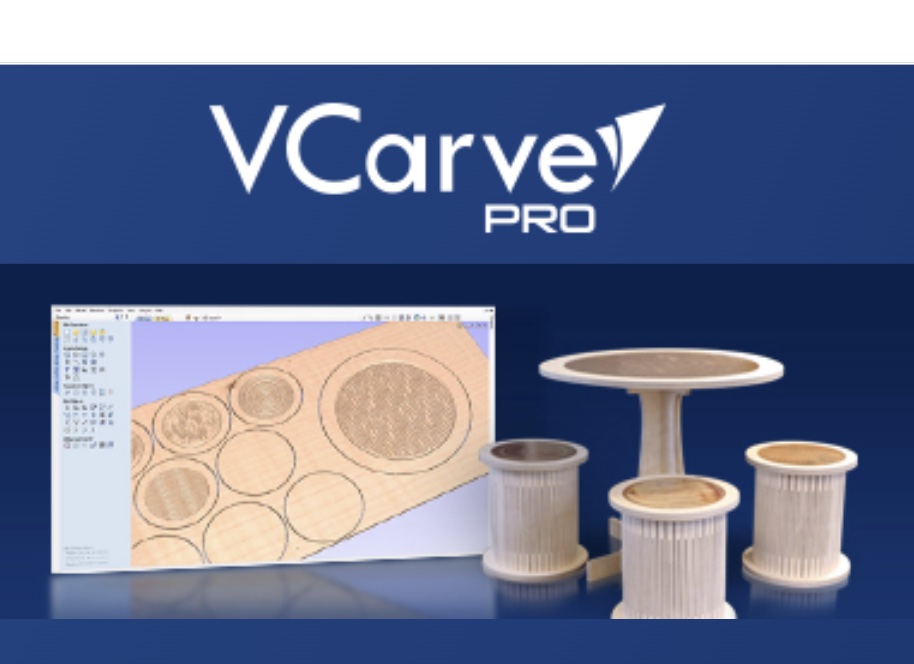
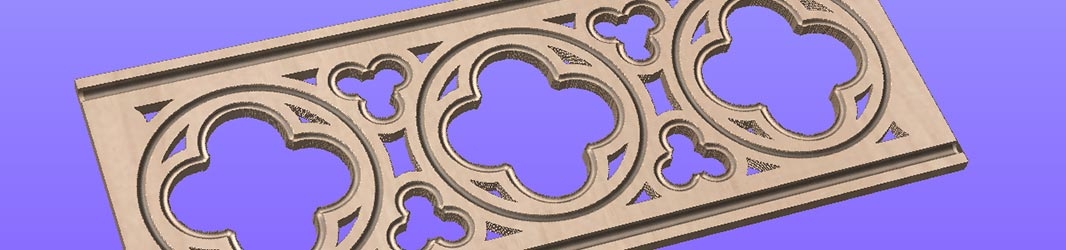
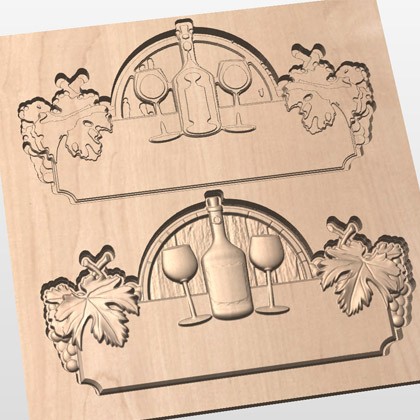
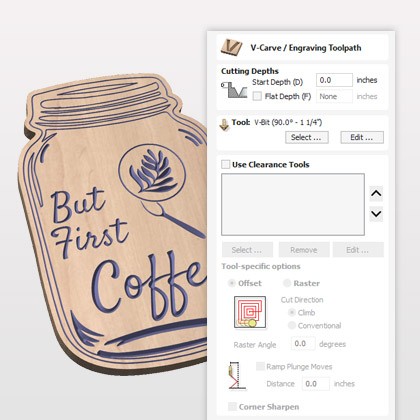
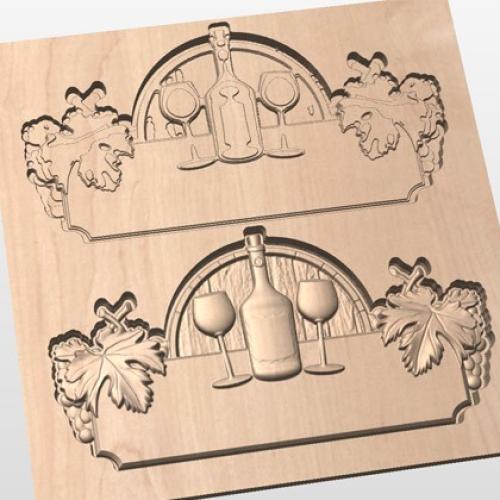
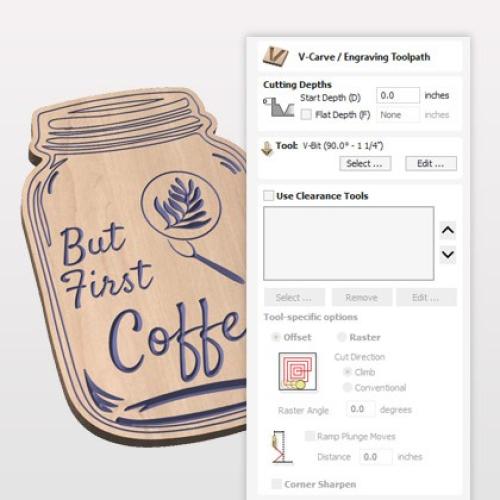
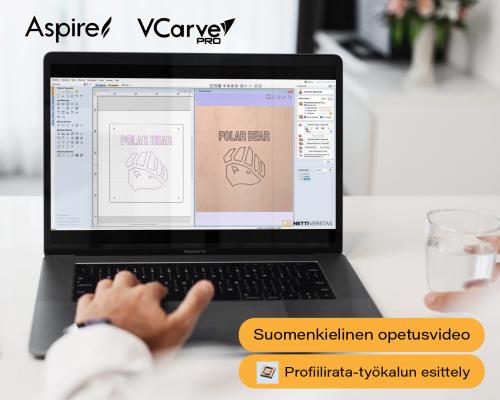
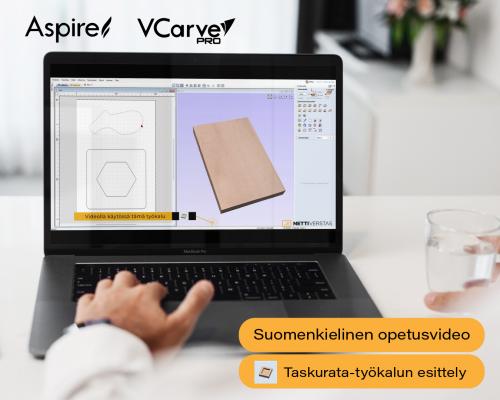
The 2D toolpaths cover the usual routing operations: profiling, pocketing, drilling, thread milling and auto-inlays. The 2.5D strategies add decorative work: V-carving, chamfer, fluting, prism, moulding, texture toolpaths and PhotoVCarving, which carves a photograph into wood. Every toolpath has its own settings for precise control.

Working with 3D models

You can import a single third-party 3D model (STL, OBJ, SKP) and any number of Vectric's own V3M clipart models, assembled into your own composition. Roughing and finishing toolpaths are calculated for the 3D model, and a 2D or 2.5D toolpath can be projected onto the 3D surface.

Two-sided and rotary machining

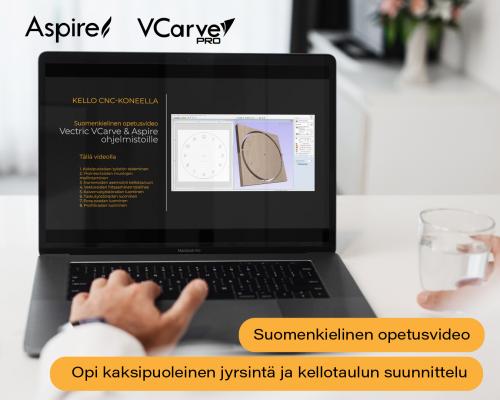
Two-sided work is done in one session: both sides are designed in the same file, with no need to split the job into two projects. A rotary fourth axis (indexer) is supported, and the job is shown wrapped in its true form.

Preview before the chips fly

Every toolpath can be previewed as a realistic 3D simulation. You see the result before cutting and can optimise the paths before the material is in the machine. The software also estimates machining time.

What Pro adds over Desktop

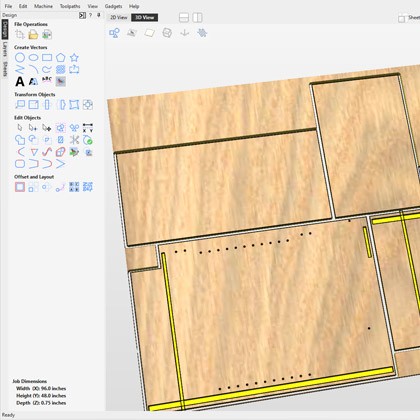
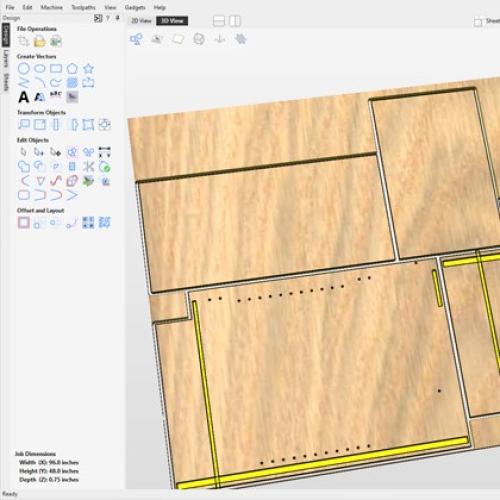
  • Unlimited work area: the 24? × 24? ceiling is gone, so large sheets and long parts run without splitting the job.
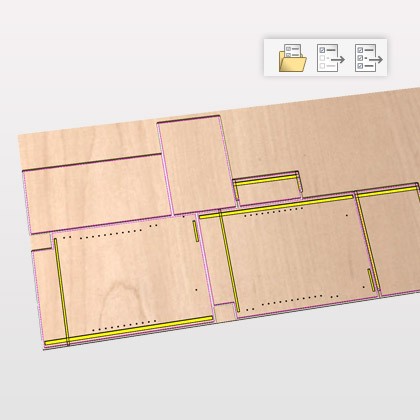
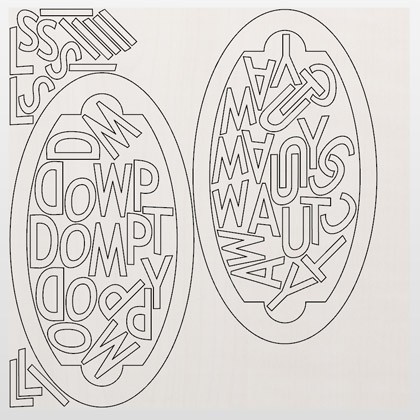
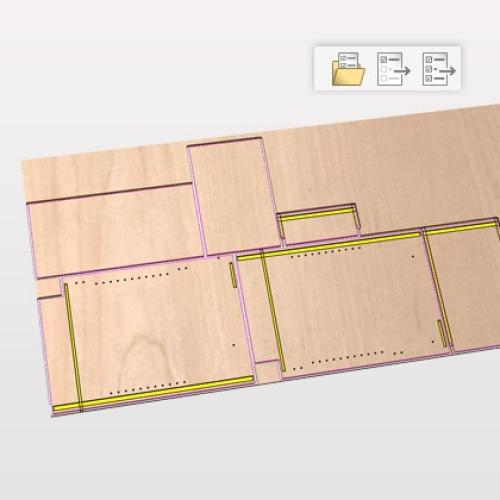
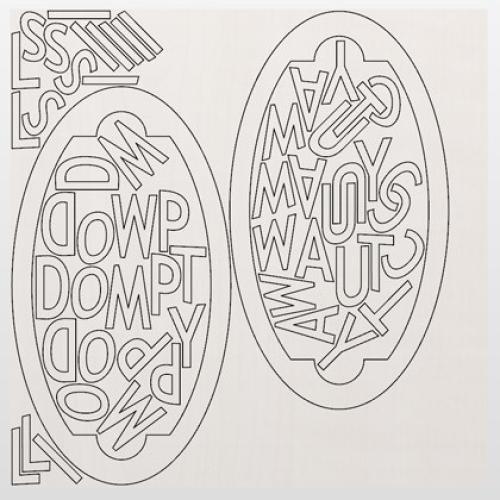
  • True shape nesting: parts are placed on the sheet automatically according to their real shape, reducing waste.
  • Toolpath templates: settings defined once can be applied to a new job as they are — in production work this is the feature that saves the most time.
  • Merging toolpaths and an array copy toolpath for repeated parts.
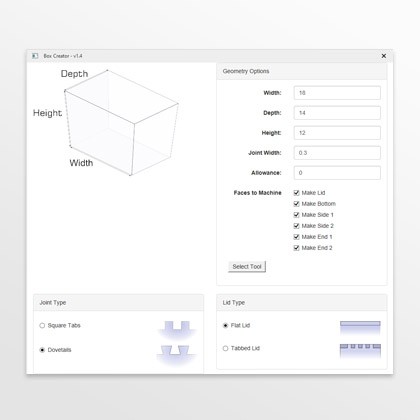
  • Gadgets: add-on scripts from Vectric and the user community that automate repetitive steps.
  • Job setup sheets with settings, tooling and times printed for the machine operator.
  • Keep-out zones that keep the cutter away from clamps and screws.
  • VCarve inlays for precise inlay work.
  • Multi-sheet support and sheet duplication.

New in version V12.5 (29 May 2026)

  • Create and edit text directly in the 3D view
  • Node editing in the 3D view
  • Filleting and trimming in the 3D view
  • Realistic material visualisation and surface colour simulation
  • Preview sketch carving toolpaths in the 3D view
  • Faster, smoother pocketing
  • Smart Part Selection
  • Sheet Duplication
  • Editable dimensions

Licence and updates

  • Buy once, own it forever: no subscription.
  • Minor updates are free within the same major version.
  • A new major version at no cost if it is released within 12 months of purchase.
  • Upgrade for the price difference: Desktop to Pro or Pro to Aspire costs only the difference.
  • Free clipart library included.

Brand:    Vectric

0
0 reviews
0%
of customers recommend this product


Vectric - VCarve Pro V12.5 - CAD/CAM software, unlimited work area

€ 825,00
excl. vat: € 657.37
Number: VCARVEPRO
Estimated delivery: In Stock
You'll get 165 rewardpoints
LEASING
Monthly installment:62.31
Leasing time:
Final acquisition price:70
Only for companies. Requires VAT-number.

The calculations are based on the Grenke leasing price list, which does not include insurance. Insurance is compulsory and the customer can either purchase their own insurance or take it out with the same contract. Leasing financing is only granted to companies with a valid business ID.

Lease period 12-72 months.

Leasing prices VAT 0.

Option to redeem at the end for your own final delivery price, which will be shown under the product and in the summary. The minimum final delivery price is 70€ VAT 0.

After placing an order with leasing financing, you will receive within 1-2 days by email the contracts for electronic signature.

If you wish to use your own insurance, the leasing company will require a certificate of insurance showing the following:

  • Name of company
  • Insurance policy number
  • Information that the equipment under contract is insured, or information that the company has property insurance
  • Name/logo of insurance company
  • Insurance is in force/date of certificate of insurance
  • Insurance amount covers the value of the contract (month amount x time)
INSTALLMENT
Buy also

VCarve Pro is the same software as VCarve Desktop without the work-area limit and with production tools added. It is the choice when the machine runs jobs repeatedly or for sale — not just one-off pieces.
  • Unlimited work area: the whole sheet at once, no 24? × 24? ceiling.
  • True shape nesting places parts by their real shape and reduces waste.
  • Toolpath templates and gadgets automate repetitive steps — in production work this is the difference you can measure on the clock.
  • Job setup sheets and keep-out zones keep work at the machine under control.
  • No subscription: the licence is permanent.

The current version is V12.5. Upgrading to Aspire costs only the price difference.


Look also
Nettiverstas - Instagram
Nettiverstas - YouTube
Loading...