Login
Login
Shipping Country
Super CLEARANCE CAMPAIGN - Selected tools and accessories with Super Special prices! - CHECK HERE
READ MORE
Login
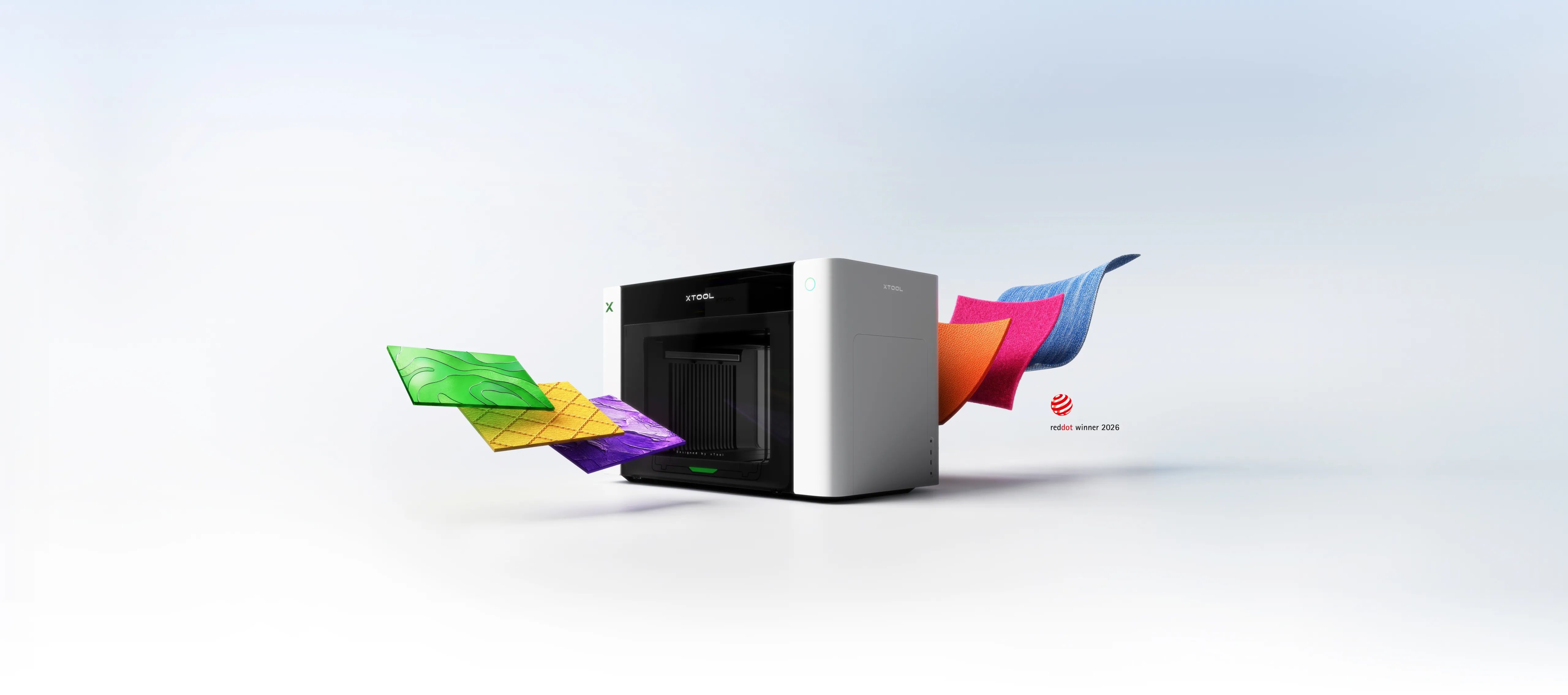
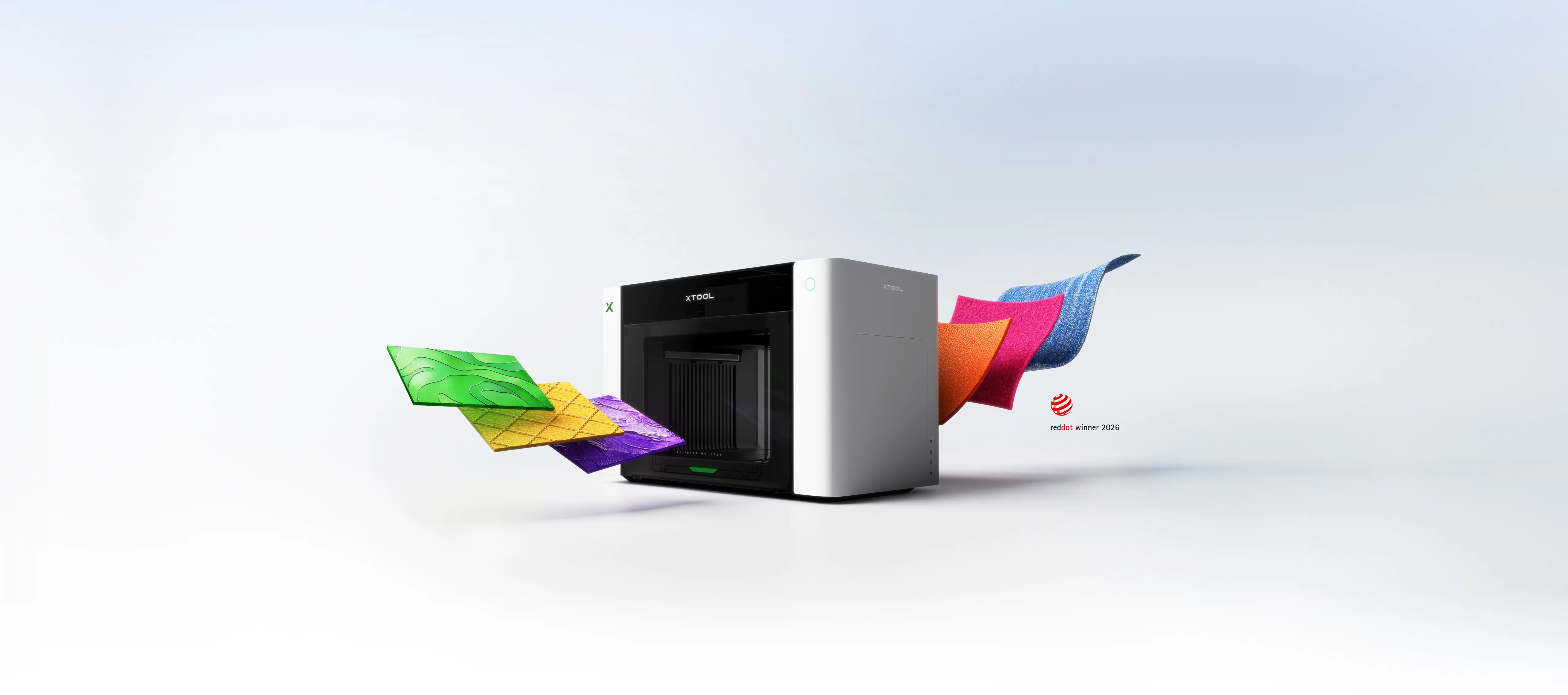
The O1 Omni Printer is a desktop printer that prints directly onto the surface of an object: acrylic, wood, metal, glass and ceramics. The ink is cured with UV light immediately during printing, so the print is ready when the machine stops. The same machine also produces embossing, UV DTF labels and, depending on the model, direct-to-garment prints.
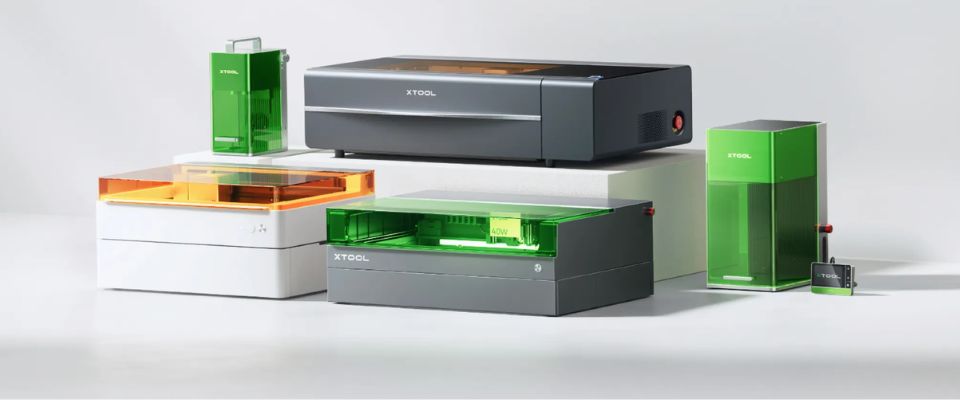
There are three versions of the machine, differing only in the number and type of print heads. The frame, working area, resolution and software are all the same. The choice determines what materials you can print on — not how good the print is.
| Quid | Printheads | Color tracks | Materials | Price |
|---|---|---|---|---|
| O1 Omni Printer - Single UV - 4-in-1 printer | 1 × UV | CMYK + white + varnish | Rigid surfaces: acrylic, wood, metal, glass, ceramics | €2508.95 |
| O1 Omni Printer - Dual UV - 4-in-1 printer | 2 × UV | CMYK + white + varnish as well as rigid white, flexible white, fluorescent red and yellow | Rigid and flexible: acrylic, leather, wood, fabric material | €3345.95 |
| O1 Omni Printer - UV & DTG - 4-in-1 printer for garment production | 1 × UV + 1 × textile | UV: CMYK + white + varnish · textile: CMYK + two whites | Rigid and textiles: acrylic, wood, metal, cotton, polyester | €3345.95 |
This is the part that is most often left missing in an order. The machine will not work without inks and a maintenance tank, and the label substrate wears out with every sheet job.
| Quid | What is needed | Why |
|---|---|---|
| Single UV | O1 Omni UV Ink Set - 6 × 125 ml | Six colors cover all UV head color paths |
| Dual UV | O1 Omni UV Ink Set - 6 × 125 ml + O1 Omni UV Ink Set - Expansion for Dual UV Edition | The four additional colors on the other end come from the expansion set |
| UV & DTG | O1 Omni UV Ink Set - 6 x 125ml + O1 Omni DT Fabric Ink Set | The textile head has its own ink, which is not the same as UV ink |
Individual colors can be purchased separately as they run out. White is clearly the most used color because it is printed as a base for almost every job — be prepared to need white twice as often as colors.
| O1 Omni UV maintenance tank 260 ml | UV head maintenance tank, collects cleaning waste | €36.95 |
| O1 Omni DT service tank 260 ml | Textile head maintenance tank, only for UV & DTG model | €36.95 |
The tank is filled automatically regardless of how much you print. The Dual UV model uses two of them — one for each head. Always keep one in reserve: a full tank will stop the machine.
The sheet material is attached to a self-adhesive base to prevent it from moving during printing. The bases come in two sizes, and the size is selected depending on which base plate you use. The base loses its adhesiveness with use, so it is a consumable item — order them with the machine.
Labels are made by printing on A-film and laminating another film on top. The films you need depend on the type of labels you are making — and all require an LM1 laminator .
| Label type | Necessary films |
|---|---|
| Regular sticker | A-film + B-film + adhesive transfer film |
| Sticker removed from background | A-film + release film + adhesive transfer film |
| Hot foil sticker | A-film + release film + hot foiling film + adhesive transfer film |
| UV DTF A film (50 pcs) | A-film for mini-platform, 12 × 31 cm, 50 pcs. | €30.95 |
| UV DTF A film (30 pcs) | A-foil A3, 30 pcs. | €30.95 |
| UV DTF B film | B-film, 30 m — laminated over A-film | €34.95 |
| UV DTF adhesive transfer film (30 pcs) | Adhesive transfer film A3, 30 pcs — transfers the pattern to the object | €29.95 |
| hot foil, gold | Hot foil, 100 m | €67.95 |
| hot foil, silver | Hot foil, 100 m | €84.95 |
| hot foil, holographic | Hot foil, 100 m | €79.95 |
Please note: the release film required for peel-off and hot-foil labels is currently not available in the EU range. If you are making these types of labels, please check with us before ordering.
For mass production, there is roll film and an RF1 roll feeder that feeds the film automatically. For individual jobs, sheet film is sufficient.
Glass, ceramic, metal and acrylic are so smooth that ink does not adhere properly without a primer. A towel is pulled over the surface before printing and it dries on its own.
| UV Printing Primer Wipe, For Glass and Ceramics (50 pcs) | For glass and ceramics, 50 pcs. | €21.95 |
| UV printing primer wipe, For Metal (50 pcs) | For metal, 50 pcs. | €21.95 |
| UV printing primer wipe, For Acrylic (50 pcs) | For acrylic, 50 pcs. | €20.95 |
With the UV & DTG model, the garment is treated before and after printing. Without this, the ink will not withstand washing.
Pretreatment agents are not currently available in the EU retailer range, so please ask us about availability before planning textile production.
| OR1 Rotation Device for O1 Omni Printer | Rotary device — printing on mugs, bottles and other round objects | €417.95 |
| LM1 Laminator for O1 Omni Printer | Laminator — a must for all UV DTF labels | €521.95 |
| RF1 Roll Feeder for O1 Omni Printer | Roll feeder — mass production of labels, requires a laminator | €417.95 |
A short list to get you printing as soon as the machine is on the table:
Machine-specific operating instructions, maintenance instructions, and troubleshooting are compiled in the O1 Omni Printer user manual — request it from us or download it from the product page.

100% Trustworthy online store with history
Expert customer service
Fast deliveries
Large selection directly from stock
No middlemen - save on the price





 Suomeksi
 På Svenska