Login
Shipping Country
Super CLEARANCE CAMPAIGN - Selected tools and accessories with Super Special prices! - CHECK HERE
READ MORE
Login
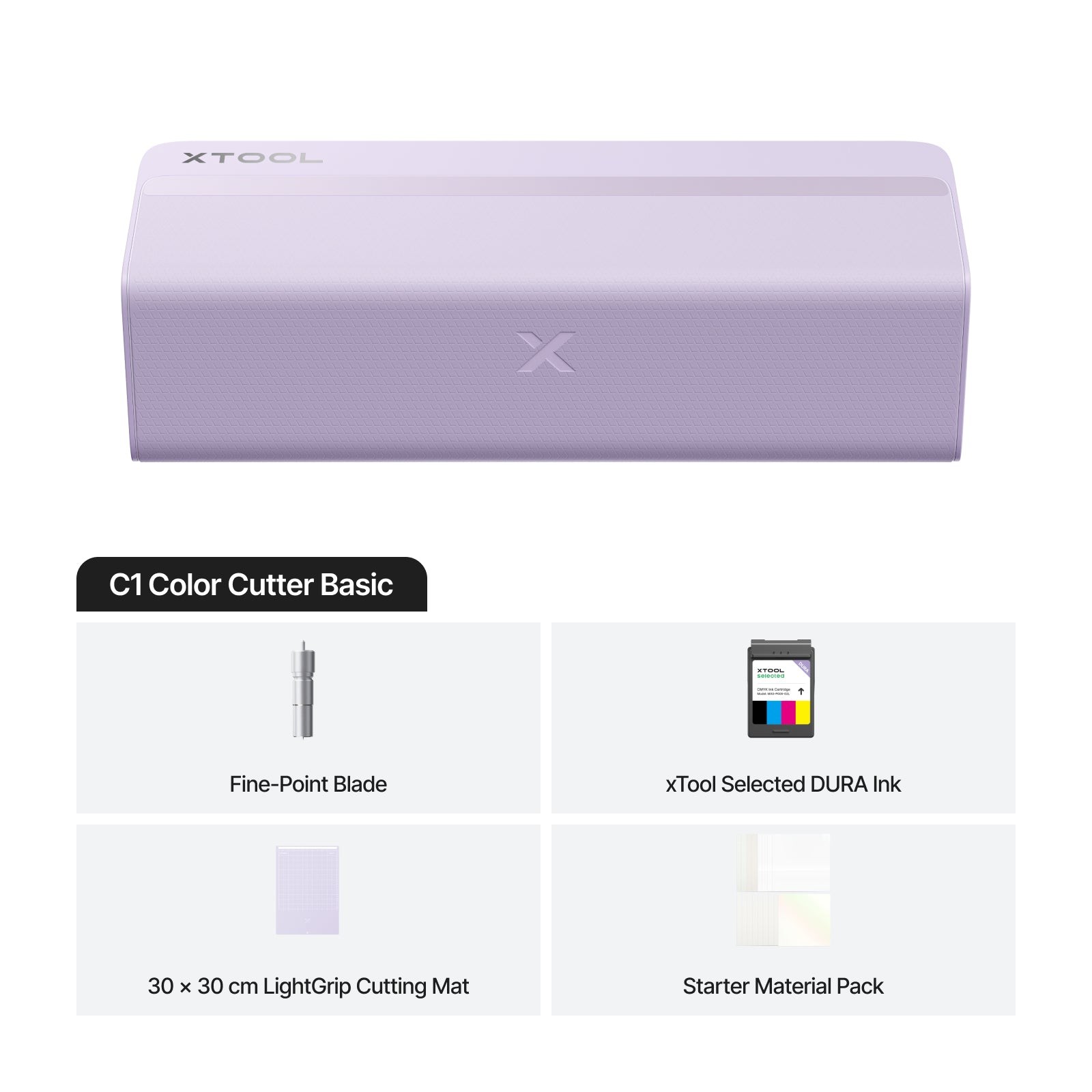
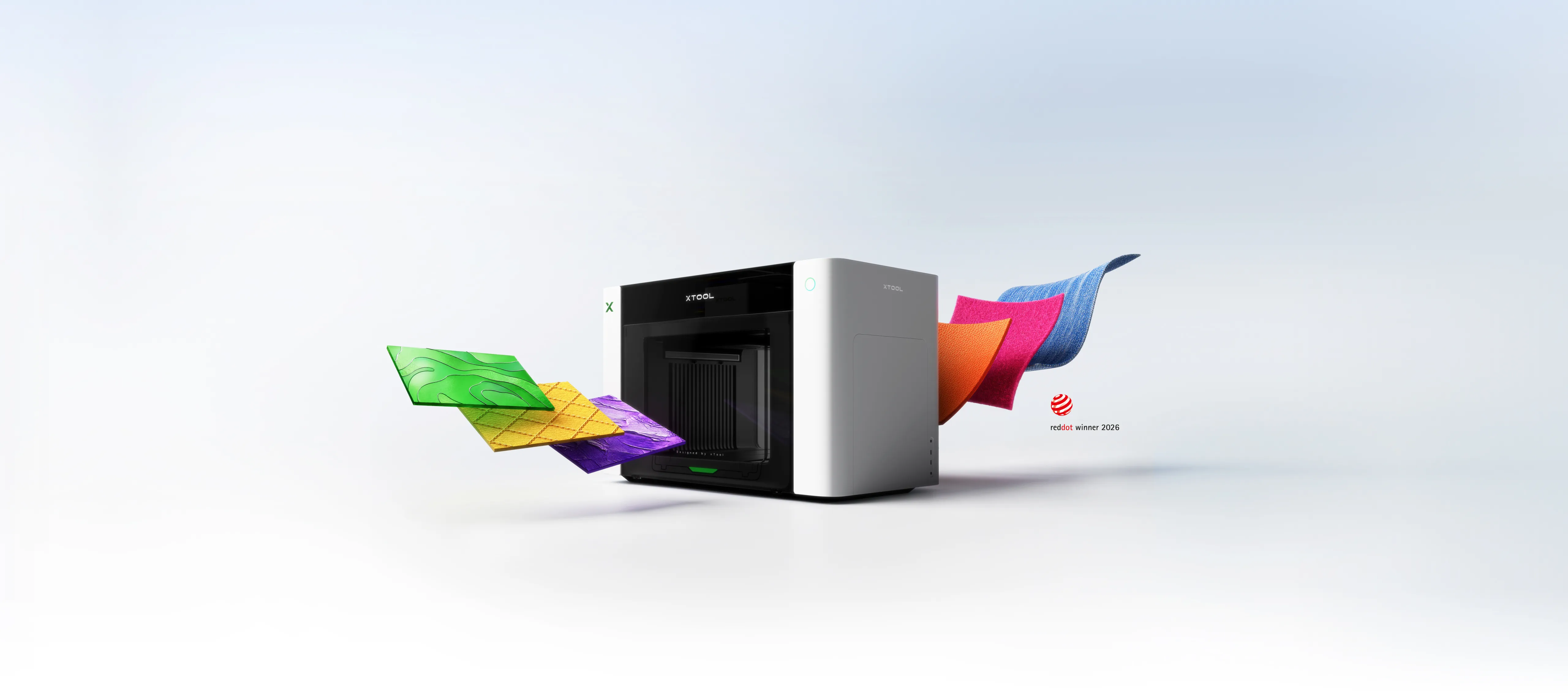
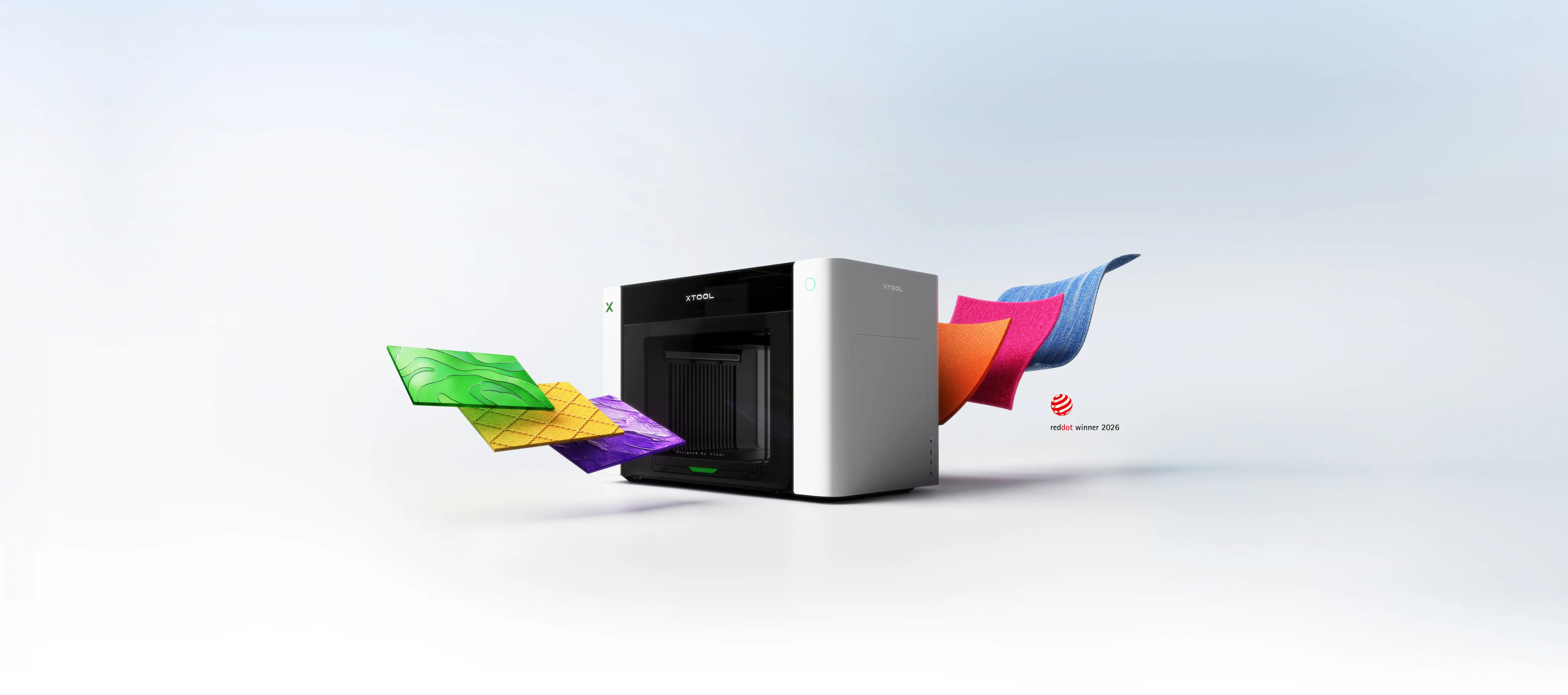
The xTool C1 Color Cutter is a print & cut machine: it prints in four colours (CMYK pigment ink) and blade-cuts on the same device — stickers, cards, packaging, stencils, vinyl graphics and hot foiling with a single machine, no separate printer and cutter needed. The CIS scanner aligns the cut to the print without registration marks.
This guide covers the C1's eight techniques, the blade range, the difference between the Basic and Deluxe versions, and the kind of work the machine suits: crafting, scrapbooking, cards and invitations, sticker and label production, small-business packaging and shop decoration.
The C1 combines an inkjet printer and a cutter: DURA CMYK pigment ink prints the colours and the blade cuts at up to 509 mm/s. The built-in CIS scanner reads the material and aligns the cut directly to the print — no registration marks needed. Maximum material thickness on the cutting mat is 3 mm.
The C1 masters eight techniques. Click to expand:
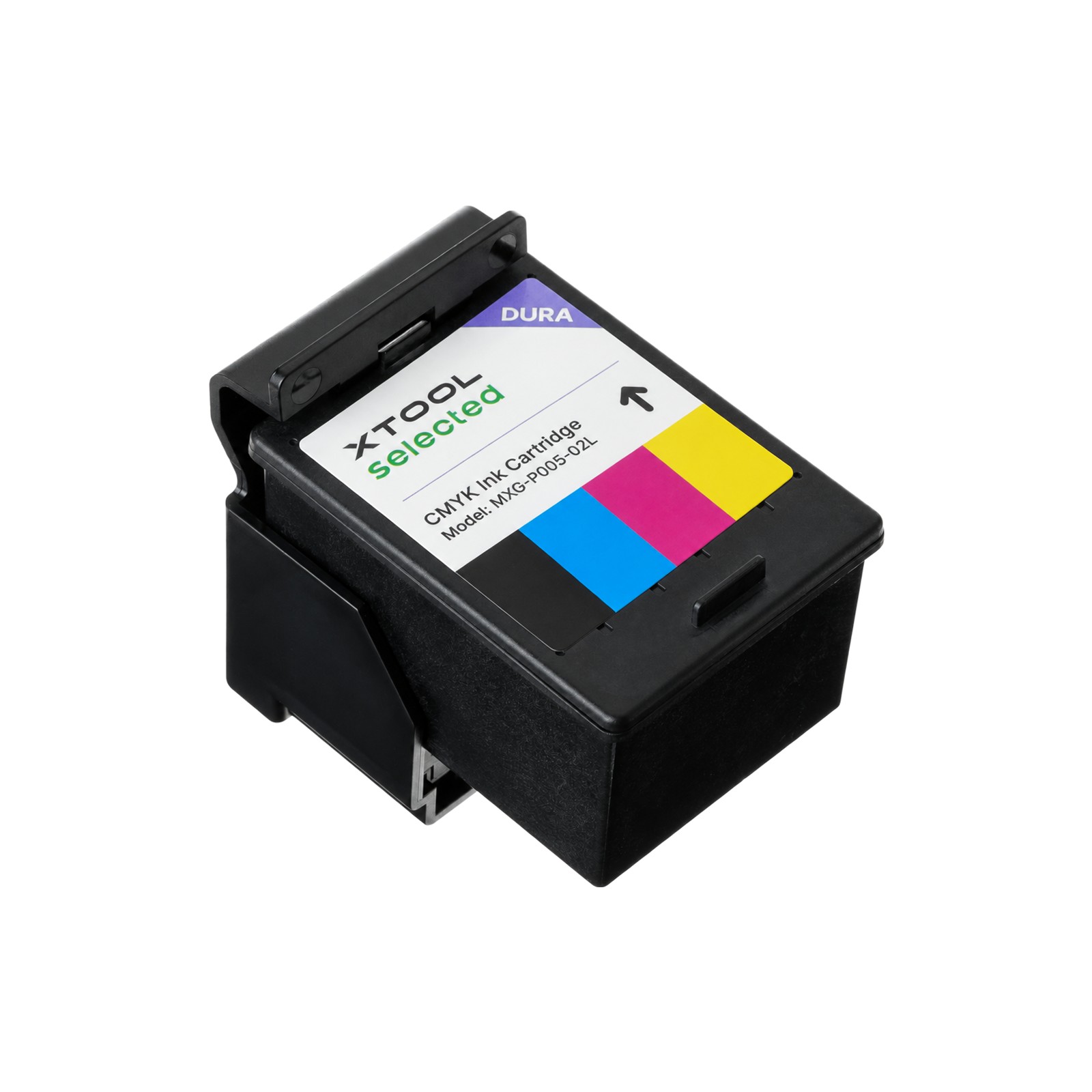
Four-colour pigment printing directly onto the material and cutting in the same run — stickers, labels and colour graphics finished on one machine. The cartridge: DURA CMYK ink cartridge.
The Fine-Point blade cuts vinyl, card and sticker sheets; the Deep-Point thicker materials; the rotary blade fabrics; the cutting blade straight lines. With the pen holder the machine also draws and letters.
The scoring tip makes fold lines for cards and packaging, and embossing raises the design from the surface — invitations, cards and boxes get a finished look.
The hot foil pens (0.5 / 1.5 / 2.5 mm) make gold and silver foiling, and pressure foiling works without heat. The set in the shop: C1 Hot Foil Pen Set.
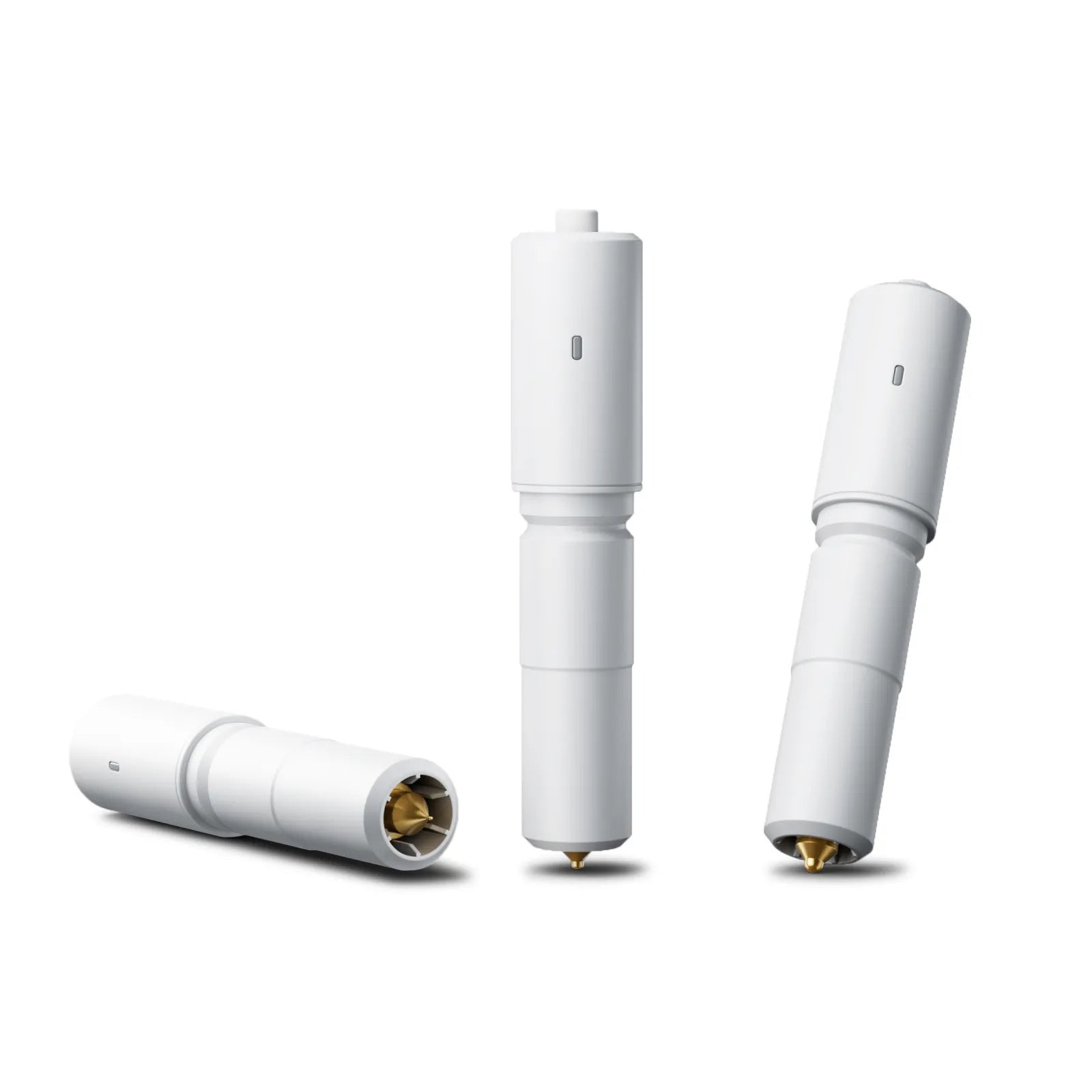
The ultrasonic knife extends the material range to more demanding objects — available as an add-on.
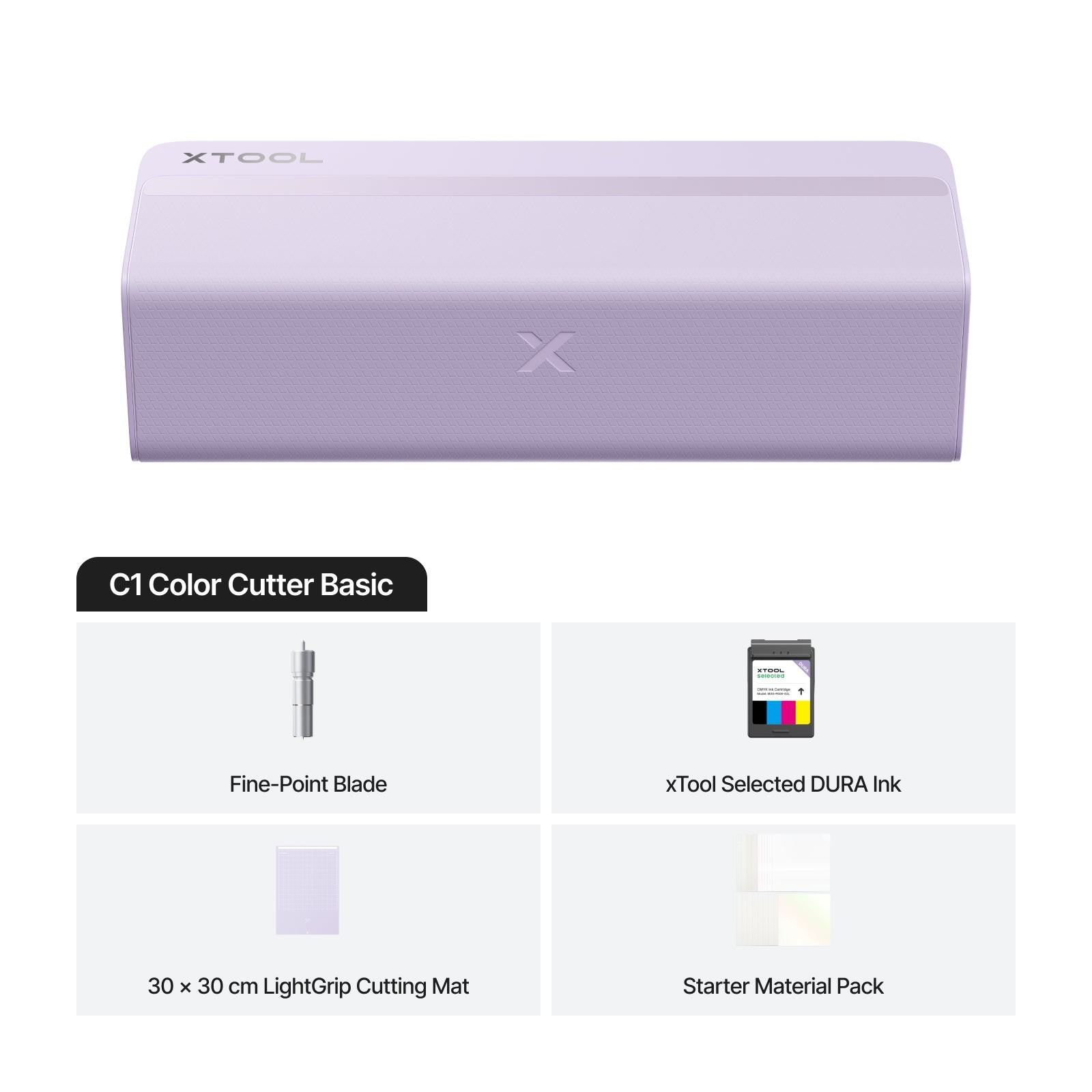
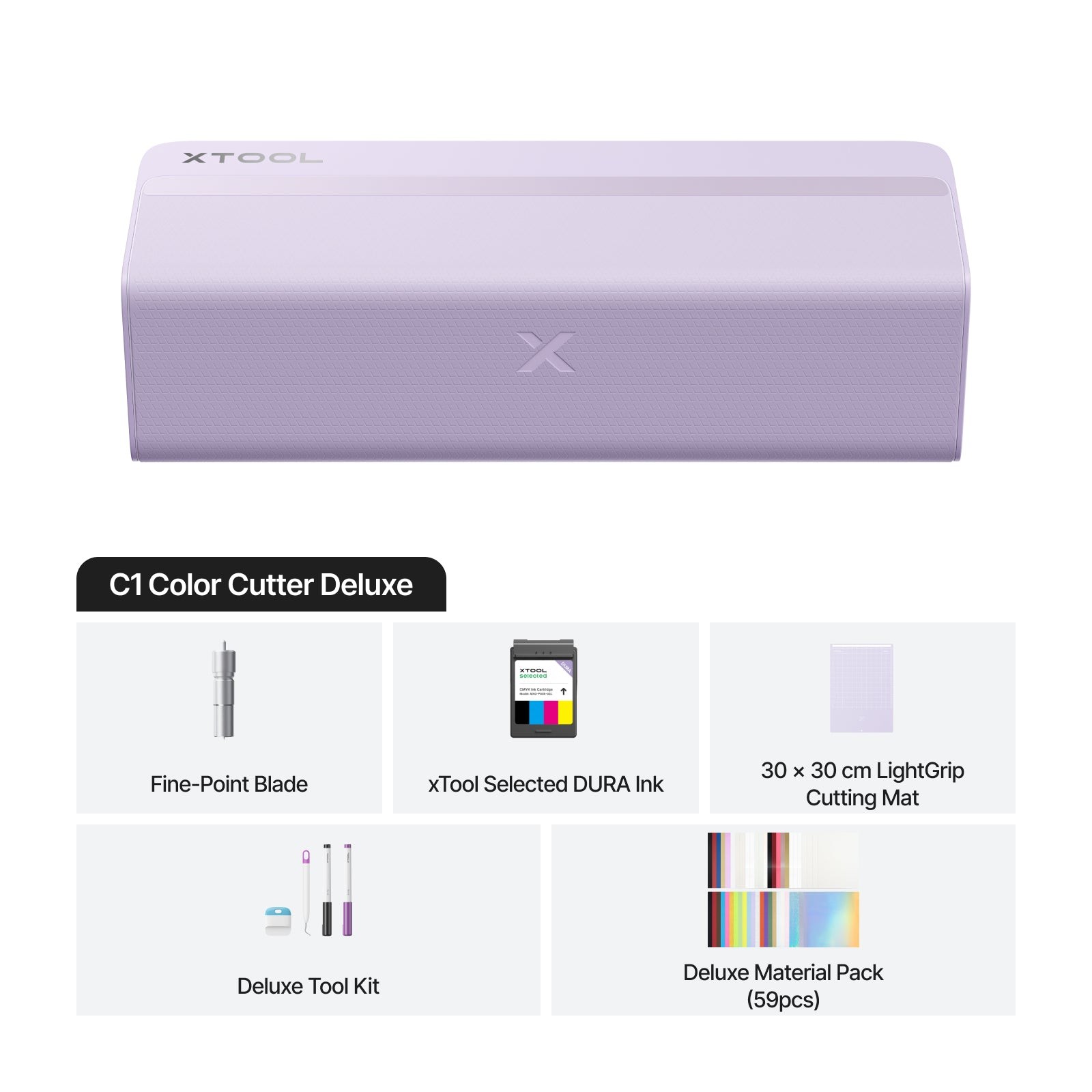
The C1 Basic includes the machine and core accessories — enough for print & cut and blade cutting. The C1 Deluxe adds the pen holder, two pens, the weeding tool, the spatula and a material pack — drawing and finishing tools included.
| Basic | Deluxe | |
|---|---|---|
| Print & cut | yes | yes |
| Pen holder and pens | — | yes |
| Weeding tool and spatula | — | yes |
| Material pack | — | yes |
Current prices on the product pages: xTool C1 Color Cutter Basic and xTool C1 Color Cutter Deluxe.
Cutting mats come in three sizes: standard 304.8 × 304.8 mm, long 609.6 mm, and an electrostatic mat for thin materials. With the roll holder the C1 cuts matless roll material up to 279.4 mm × 3,657.6 mm — long vinyl graphics and sticker strips in one run. Typical materials are adhesive vinyl, heat transfer vinyl (HTV), card, paper, sticker sheets, fabric and thin leather.
The blade range covers different materials: Fine-Point for general cutting, Deep-Point for thick materials, the rotary blade for fabrics and the cutting blade for straight lines. Replacement blades are available for all of them, and the key consumable is the DURA CMYK ink cartridge. All C1 accessories are in the print & cut accessories category.
The C1 is built for makers who want coloured and cut results from one machine: crafters and scrapbookers, makers of cards, invitations and party decorations, small-scale sticker and label production, craft entrepreneurs, Etsy and market sellers, and shop or café decoration. Eight techniques mean the same machine grows with the hobby, from foiling to embossing.
No — the C1 prints four-colour itself with DURA CMYK pigment ink and cuts the print on the same machine.
No. The built-in CIS scanner aligns the cut directly to the print without registration marks.
On the cutting mat the maximum material thickness is 3 mm.
The Deluxe adds the pen holder, two pens, the weeding tool, the spatula and a material pack on top of the Basic.
Yes — with the roll holder, matless, up to 279.4 mm wide and 3,657.6 mm long.
See the machines: xTool C1 Basic, xTool C1 Deluxe and the full range in the print & cut machines category. Customer service in English and Finnish helps you choose — with instalment financing and leasing for up to 72 months.
100% Trustworthy online store with history
Expert customer service
Fast deliveries
Large selection directly from stock
No middlemen - save on the price






 Suomeksi
 På Svenska