Login
Login
Shipping Country
Super CLEARANCE CAMPAIGN - Selected tools and accessories with Super Special prices! - CHECK HERE
READ MORE
Login

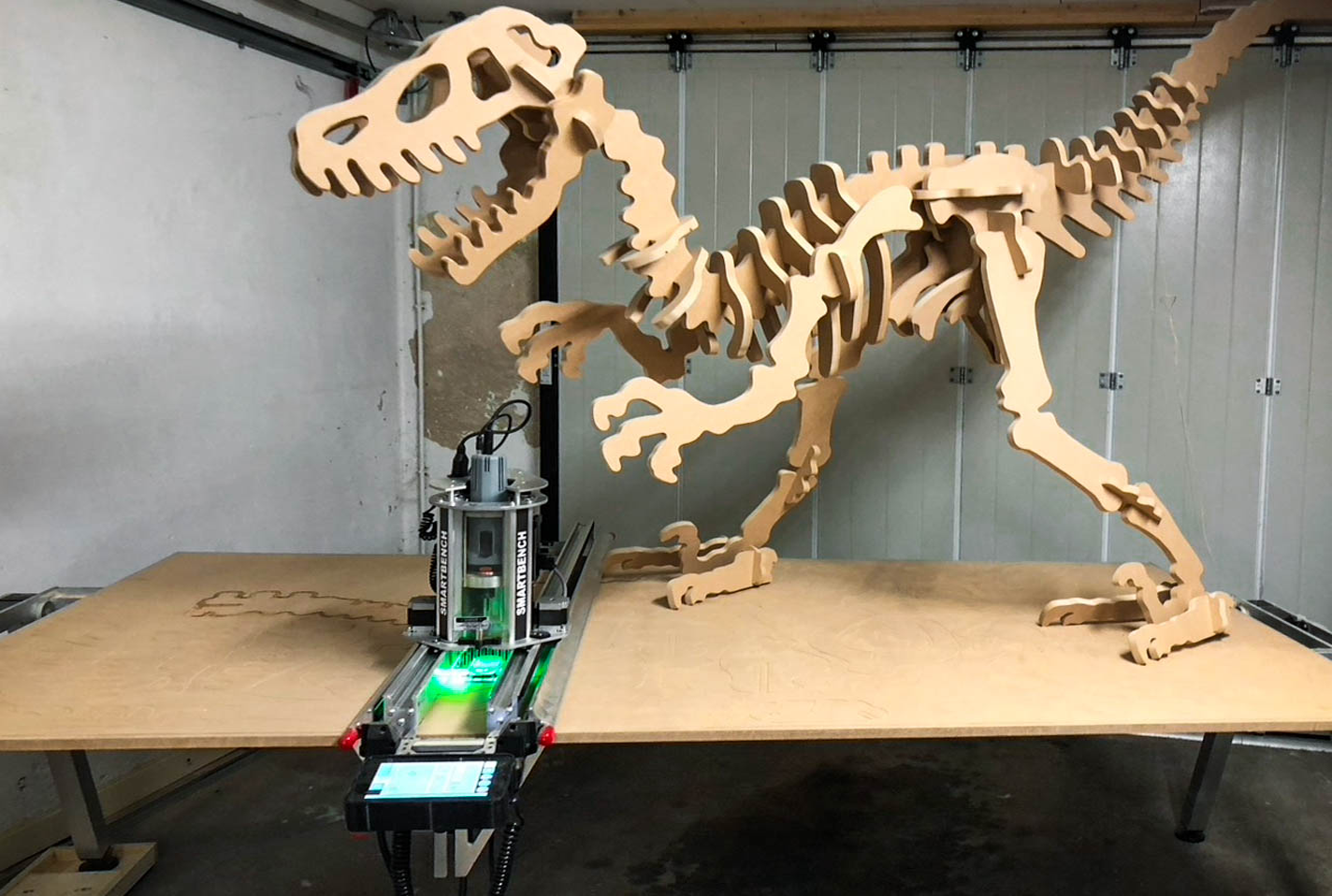
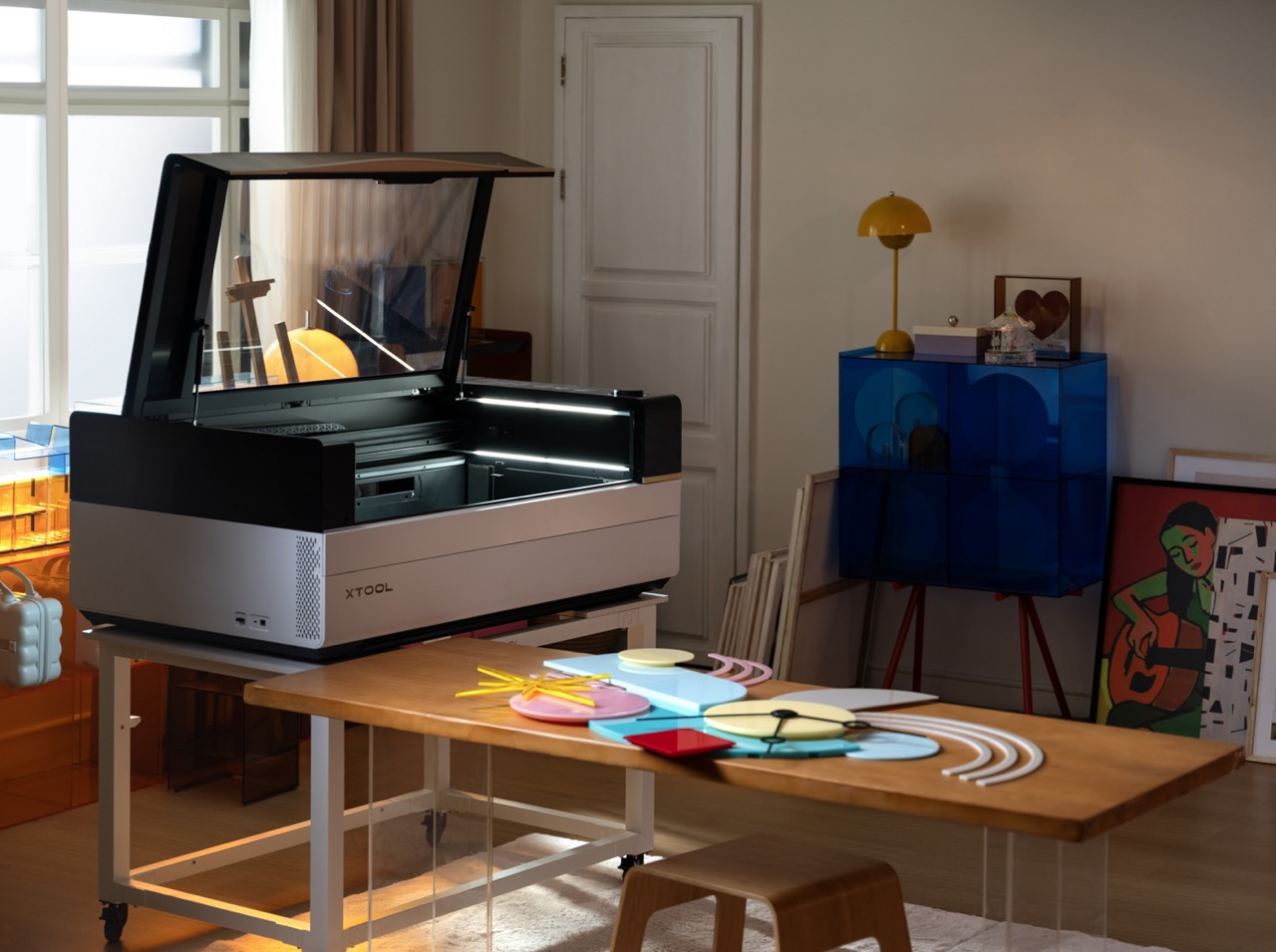
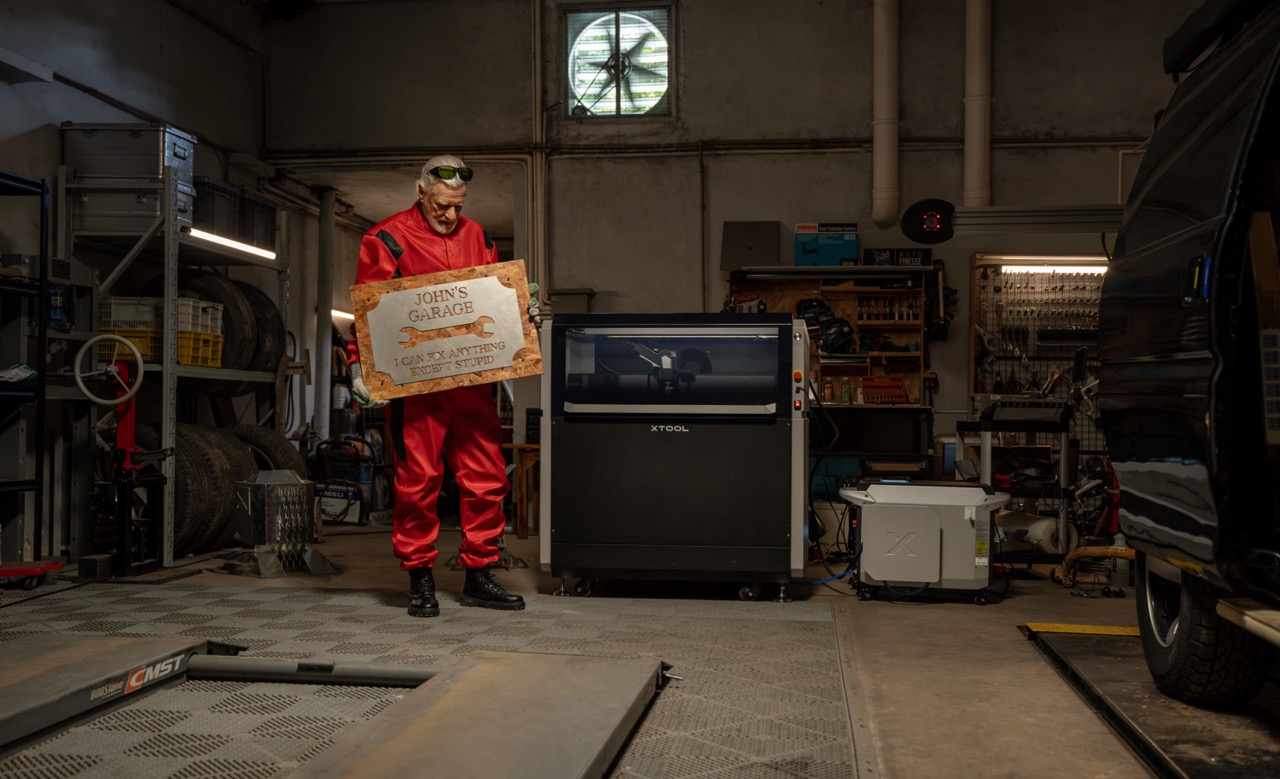
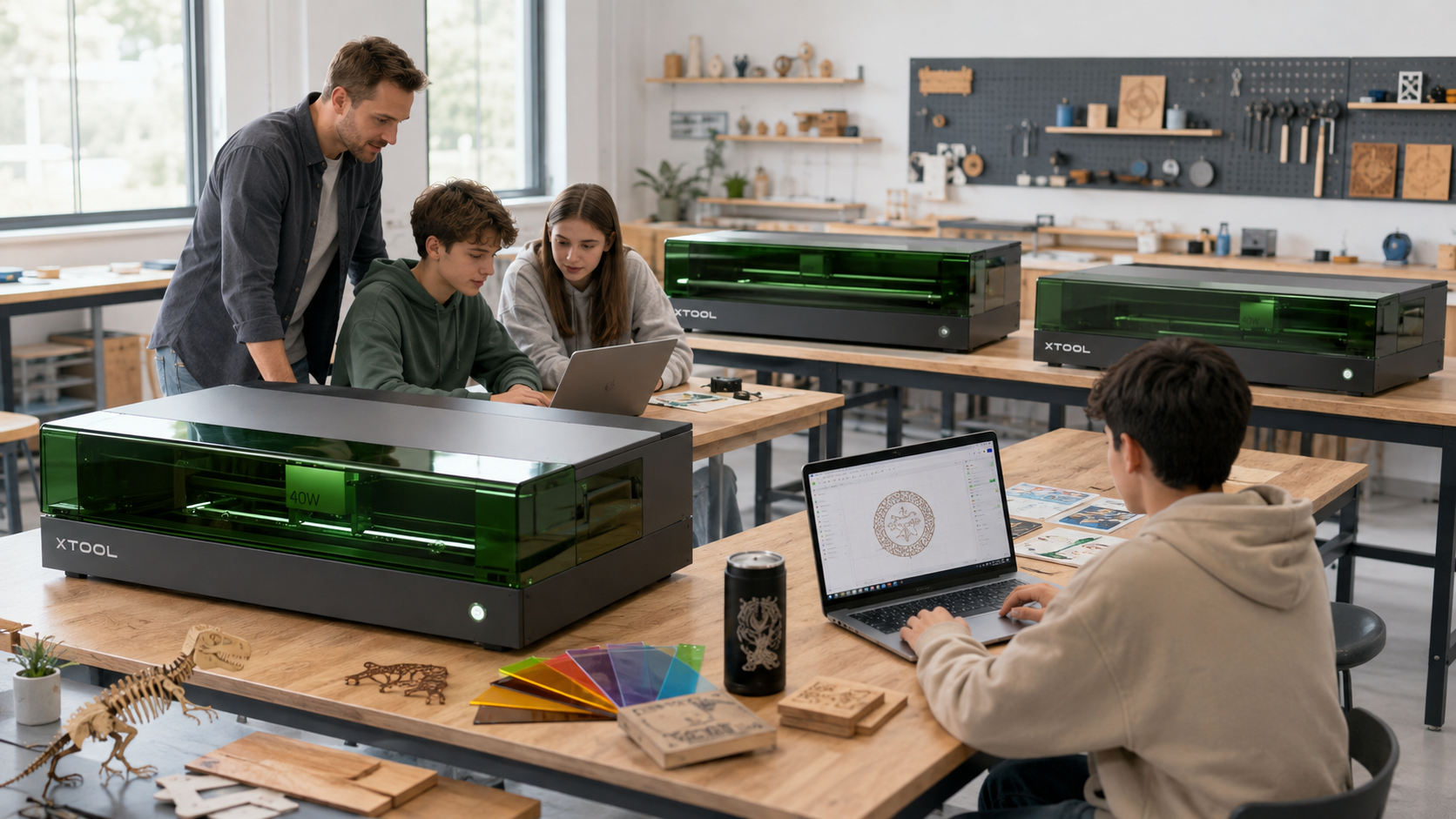
A laser cutter is a tool that uses a powerful and precisely focused beam of light to cut or engrave materials. It turns digital designs into physical objects with incredible precision, making it an exceptionally versatile machine for both professional workshops and demanding hobbyists.
In the modern workshop, alongside traditional saws and routers, a tool has emerged that does not break, tear or chip material in the traditional sense. It does its job almost silently and leaves behind a perfectly clean cut. We are, of course, talking about the laser cutter – a machine that has changed the way many woodworkers, small business owners and makers work. It opens the door to producing complex shapes, detailed engravings and millimeter-precise parts in ways that were previously only accessible to large industrial facilities. But how does this technology really work, what can it do, and what should you consider when thinking about buying your own machine? Let’s go through it in plain language, without unnecessary embellishment.
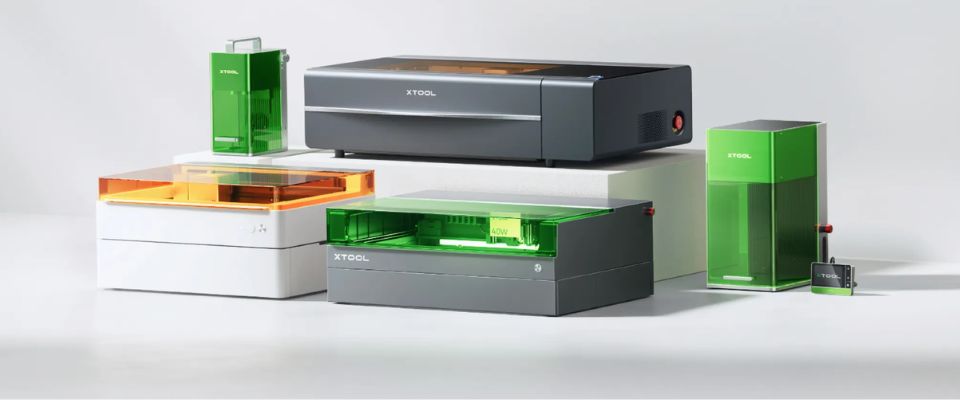
There are many different machines on the market, and choosing the right one can feel challenging. But no worries. When you break the decision down into parts and think about what the machine will be used for, the choice becomes much clearer. In the end, it is about making sure the tool meets your needs now and in the future.
The first and most important distinction is based on the laser technology used. Although both cut with light, they are suitable for completely different materials. This is the foundation of your choice.
Once you know you need a CO2 laser, the next question is power. The wattage directly tells you how thick a material you can cut and how quickly the job gets done. A good rule of thumb is that more power gives you more possibilities and speeds up repeated production work. For example, a 60-watt cutter handles thinner plywood and acrylic very well, but if you want to regularly cut, say, 10 mm plywood in a single pass, you will need a more powerful machine of 100 watts or more.
How large are the parts you plan to process? The work area determines the maximum dimensions of the piece that can be cut or engraved. A common mistake is buying a machine whose work area quickly turns out to be too small. Even if you currently only make small objects, take a moment to think ahead. It is much more convenient to have a little extra room in the machine than to struggle with a sheet that is too large or even have to upgrade the entire machine later.
In addition to the cutter itself, you will need a few essential accessories, and their quality is worth paying attention to.
The purchase price of the machine is only one part of the whole picture. As with any professional tool, owning a laser cutter also involves operating costs and maintenance. It is fair to go through these so you get a clear picture of the total investment and avoid surprises along the way.
The price of the machine is mainly determined by three factors: laser power (W), work area size, and the overall design and build quality of the machine. A larger and more powerful machine is naturally more expensive. However, it is important to understand that price does not always tell the whole truth. At Nettiverstas, we import the machines directly from the factory without unnecessary middlemen. This keeps the purchase price reasonable without compromising on quality.
This is the most important area to understand when it comes to long-term costs. A laser cutter is not a perpetual-motion machine; it has parts that wear out and require regular care or replacement. These are not faults, but a normal part of how the machine operates.
Electricity consumption is moderate and comparable to other workshop machines – it is usually not a major cost item. The largest ongoing costs naturally come from the materials being processed, such as plywood sheets or acrylic. However, these are directly tied to production and sales, so they are a normal part of the business’s material costs.
Even the finest laser cutter is nothing by itself without a clear plan. The machine’s true power lies in how seamlessly it turns a digital file into a physical part. The process may sound complicated, but in reality it is straightforward and quick to learn once you understand the basics.
Everything starts on the computer. A laser cutter needs a digital drawing to follow. This drawing is almost always vector graphics. Vector file formats such as SVG, DXF or AI are not images made of pixels, but mathematical paths. Thanks to this, the cutter knows exactly what route it needs to follow.
You can create these files with many different programs. A free and very capable option is Inkscape. Professionals often use Adobe Illustrator or CorelDRAW. If you are designing mechanical parts, CAD programs such as Fusion 360 or SolidWorks produce perfectly suitable DXF files.
Once you have a finished design file, it is imported into the laser cutter’s control software. Most high-quality machines, including Nettiverstas models, use LightBurn software. Quite simply, it is the industry standard, and for good reason. It is clear, versatile and makes the work enjoyable.
In LightBurn, you define what is done to each line:
Power and speed are set separately for each operation. This is the core of the whole process. For example, cutting 3 mm plywood requires more power and a slower speed than engraving a logo on its surface. The right settings are found quickly through a little testing, and you can save the best values for later use.
Once the job has been prepared in the software, it is time to move to the machine. You place the material sheet on the cutter’s work area, adjust the laser head height according to the material thickness, and send the job to the machine. Before starting the final run, it is good practice to use the “frame” function, where the laser shows the outer boundaries of the job with a red dot. This ensures that the cut lands exactly in the right place on the material.
Then it is simply a matter of closing the lid, turning on the exhaust and pressing the button. It is important to remember that a laser cutter must never be left unattended while operating. Even though the process is safe, this is still a powerful machine that requires supervision.
A laser cutter is a professional tool and should be treated accordingly. Respect for the machine does not mean fear, but understanding how it works and what the potential hazards are. By taking care of two things – safety and regular maintenance – you ensure that the machine serves you reliably, efficiently and above all safely for years to come. This is not complicated, but it is absolutely essential.
Before you press the “Start” button for the first time, these things must be in order. There are no exceptions.
Just as you keep the blades sharp on your other machines, a laser cutter also needs a little care to perform flawlessly. A regular maintenance routine takes only a few minutes, but it can save you from many problems.
When you make these small measures a habit, you keep your machine in top condition and ensure the best possible cutting result every time.
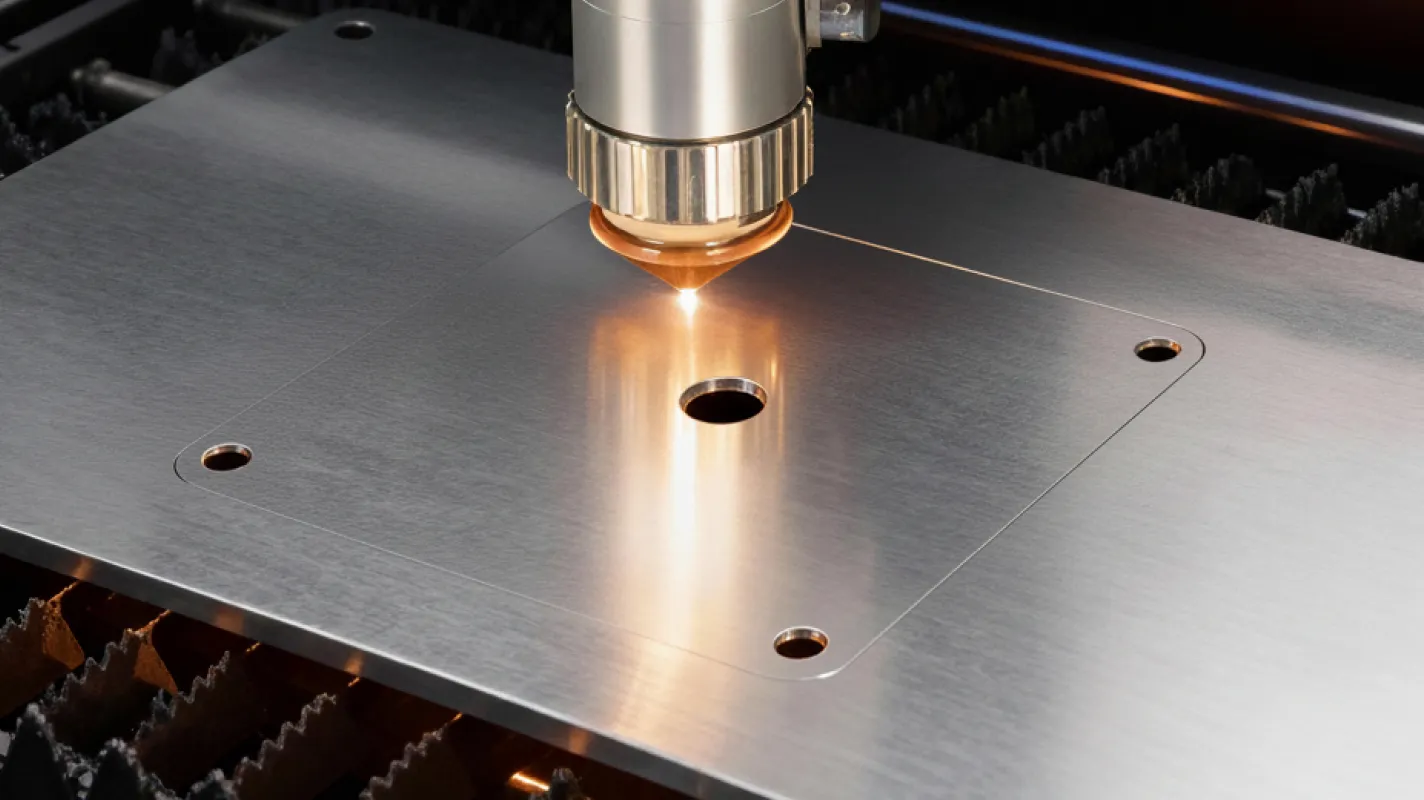
The choice depends on the material being worked. A CO? laser is the most common choice for wood, plywood, acrylic, leather and fabric. A fibre laser is designed for cutting metals such as steel and aluminium efficiently.
The wattage determines cutting speed and material thickness. A 60-watt cutter suits thinner materials, for instance, while 10 mm plywood typically needs at least 100 watts to cut through in one pass.
A CO? laser suits organic materials such as wood, plywood and MDF, acrylic and certain plastics, leather and fabric, and cardboard. Note that cutting PVC plastic is absolutely forbidden because of the toxic chlorine gas it releases.
Maintenance costs consist mainly of consumables. The most significant is the laser tube, with a service life of thousands of hours. Other items needing attention are lenses, mirrors and mechanical parts such as belts and bearings.
Design is done in vector graphics programs such as Inkscape, Adobe Illustrator or CorelDRAW. For machine control, LightBurn is the industry standard; it is where the cutting and engraving parameters such as power and speed are set.
Three rules are essential: never leave a running machine unattended, ensure adequate ventilation and fume extraction to the outside, and keep a CO? extinguisher readily available.
The most important task is regular cleaning of the optics — the lenses and mirrors — with the fluid intended for the purpose. The inside of the machine must also be kept clear of cutting debris and dust, and the tension of moving parts and the cleanliness of the guide rails should be checked regularly.
100% Trustworthy online store with history
Expert customer service
Fast deliveries
Large selection directly from stock
No middlemen - save on the price






 Suomeksi
 På Svenska