Login
Login
Shipping Country
Super CLEARANCE CAMPAIGN - Selected tools and accessories with Super Special prices! - CHECK HERE
READ MORE
Login
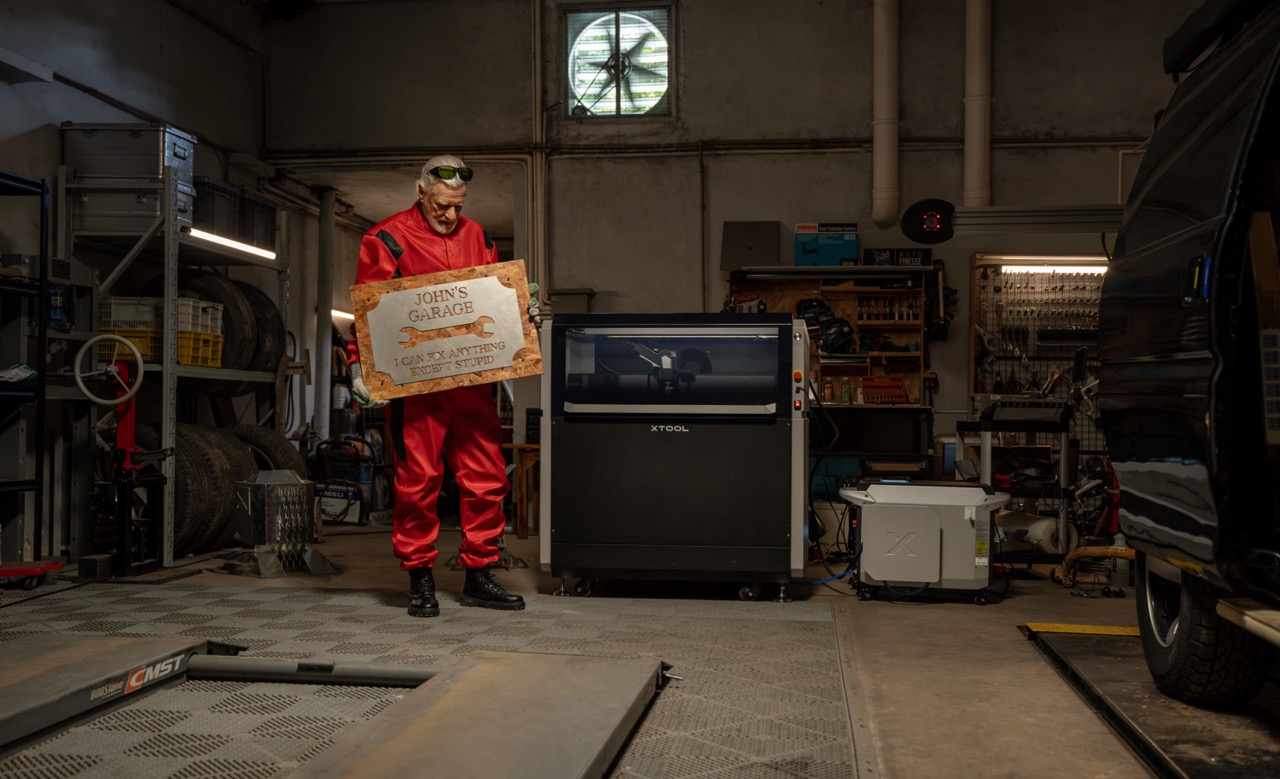
Laser processing is an efficient and precise way to cut, engrave and mark a wide range of materials. When you understand the properties of the material, the correct laser type and the key settings, you can achieve cleaner results, better working speed and less wasted material. If you are looking for a suitable machine or accessories, explore Nettiverstas xTool products.
In laser processing, a powerful laser beam is directed onto the surface of a material. The material absorbs part of the energy, which is converted into heat. As a result, the material either melts, vaporizes or darkens in a controlled way, depending on the material, the laser type and the settings used.
The wavelength of the laser largely determines which materials can be processed efficiently.
Laser power affects how deeply and how quickly a material can be processed. Thick or dense material requires more power or multiple passes. Too much power, on the other hand, increases the risk of burn marks, melting and a wider kerf.
The smaller the laser spot, the more energy is concentrated into a small area. This improves detail precision, especially in engraving and small markings.
The focus is the point where the laser energy is concentrated most strongly. The focus can be set:
A short focal length and shallow depth of focus are suitable for precise engraving. A longer focal length helps with cutting thicker materials, but does not always produce the finest detail.
High motion resolution improves detail, especially in image engraving and fine lines. Processing speed directly affects heat load: too slow can burn the material, while too fast may leave cuts incomplete or engravings too faint.
Laser processing produces heat, smoke and particles. That is why good ventilation is not just a comfort issue, but part of the result itself. Effective smoke extraction reduces residue sticking to the surface, improves visibility in the cutting area and lowers the fire risk. Suitable options include the xTool SafetyPro AP2 or, for heavier use, the xTool SafetyPro AP2 Max.
In addition, a honeycomb panel improves airflow under the workpiece and reduces burn marks on the back side. One example is the xTool P3 Honeycomb Panel.
Wood is one of the most popular materials for laser processing. It absorbs laser energy well, which makes both CO2 lasers and diode lasers highly suitable for it. At the same time, wood reacts sensitively to heat: with incorrect settings, the surface can char quickly, the edges darken and the result loses precision.
In many cases, burn marks are not caused only by excessive power, but by hot smoke circulating on the material surface. That is why ventilation and accessories matter greatly.
Wood reacts to moisture changes. A warped board makes it harder to keep the focus correct and reduces both cutting and engraving quality. Warping can be reduced by:
Laser engraving creates small grooves and pores on the surface where dirt and bacteria can remain. For that reason, laser engraving on cutting boards or other items that directly touch food should be considered carefully. The safest option is to engrave only on the side that does not come into direct contact with food. If the surface needs protection, a food-safe coating must be used, but even then the item is usually not recommended for knife work.
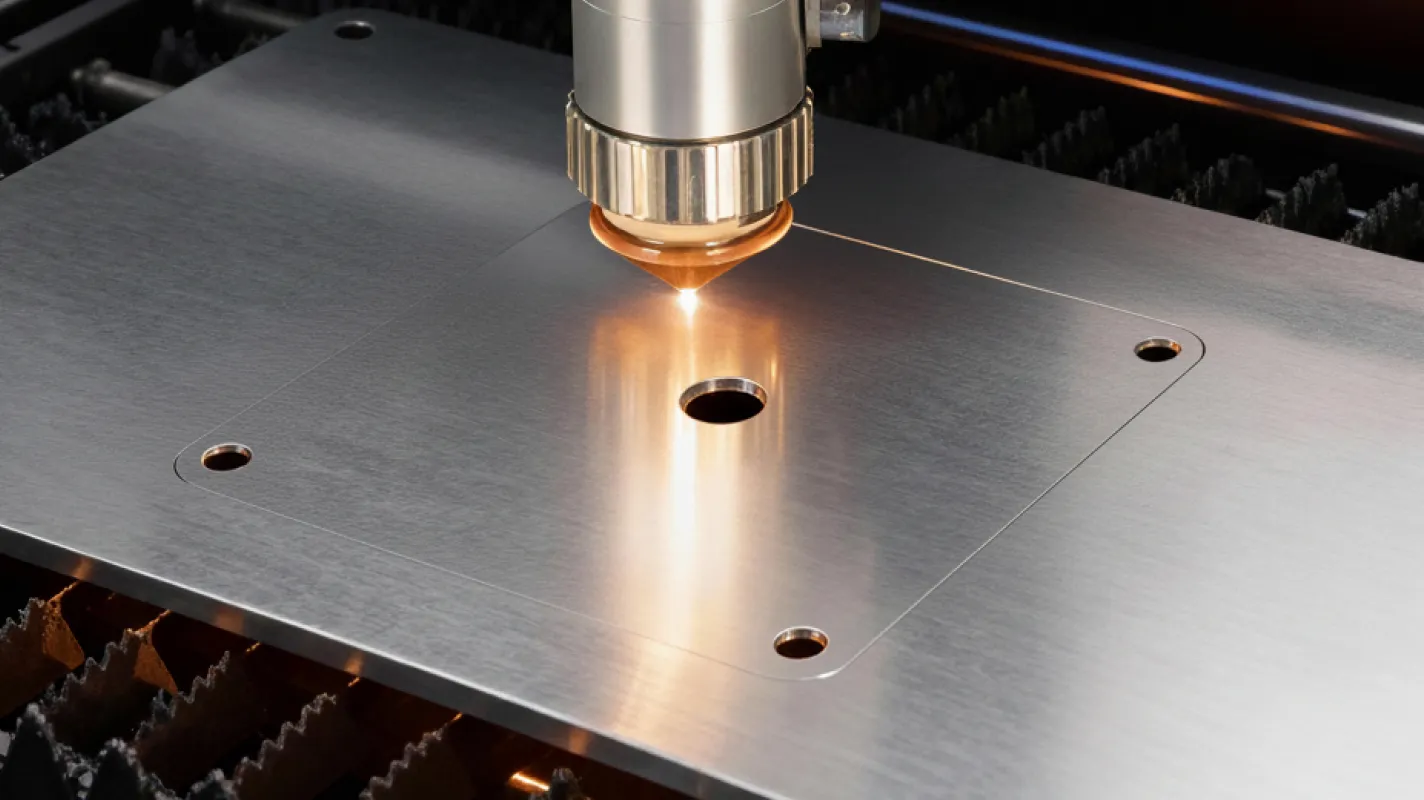
Laser processing of metal differs clearly from wood and acrylic. Metals conduct heat efficiently and many of them also reflect laser beams strongly. This is why the correct laser type is critical – for metal, a fiber laser is usually the best choice.
A 1064 nm fiber laser is well suited for stainless steel, aluminum, copper and brass, for example. It enables precise marking, fine engraving and, on some machines, even metal cutting or welding.
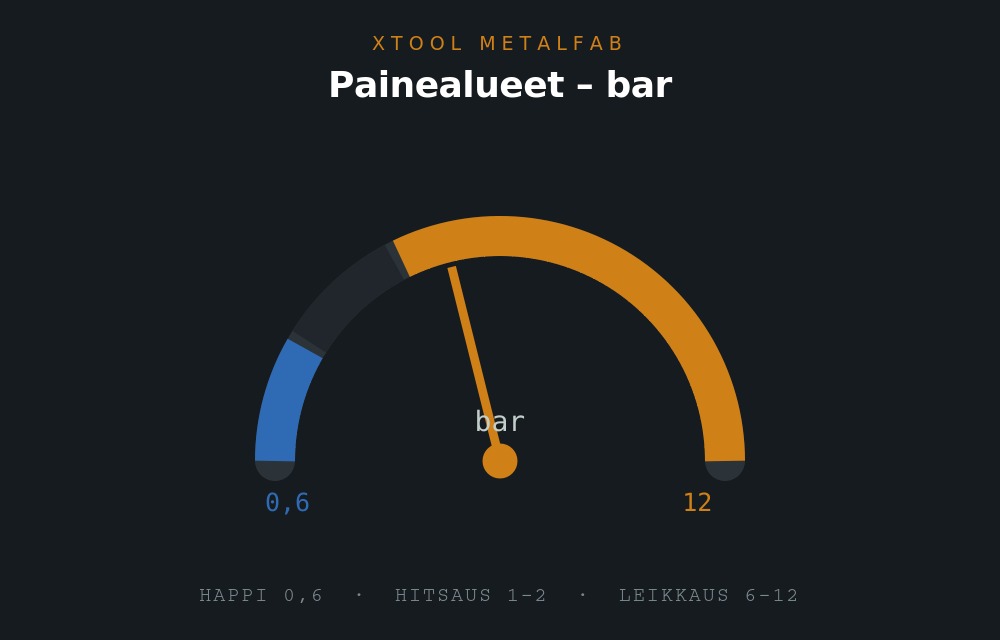
If your goal is fine marking, serial numbers, logos or product personalization, the xTool F2 Ultra is an interesting option. If you need a more robust metal cutting and welding solution, take a look at the xTool MetalFab 1200W system.
On some materials, the laser can create colored surfaces through oxide layers, microstructures or nanostructures. The resulting color depends on power, speed, line density, number of passes and focus. In practice, the best way to find repeatable results is to create a parameter test matrix on a spare sample.
If a fiber laser is not available, auxiliary methods can be used for metal marking:
These methods do not usually match the precision or permanence of a fiber laser.
Acrylic is a popular material for signs, decorative products, prototypes and product parts. The best laser type for acrylic is usually a CO2 laser because acrylic absorbs its wavelength efficiently. Suitable options for this use include the xTool P2S and, for a larger work area, the xTool P3.
The factory-applied protective film on acrylic sheets should usually be removed before laser processing, because the film may ignite or reduce the quality of the result. At the same time, it is important to use effective ventilation because acrylic processing releases gases and particles.
A 455 nm diode laser generally does not work well on transparent or translucent acrylic without auxiliary methods, because the material allows visible light to pass through. In practice, a light-absorbing layer is needed, such as dark paint, marker or another easily removable coating. Marking spray can also help. Dark colors usually work better than light ones.
The quality of laser processing is not determined by the machine alone. Software settings also have a major impact.
The best settings are almost always found through testing. That is why it is a good idea to create a material-specific test chart before actual production.
When choosing a laser, the most important question is not only the power, but which materials you intend to process most often.
In addition, the right accessories – such as air purification, smoke extraction, a honeycomb panel and safety-focused solutions – significantly improve work quality and ease of use. You can explore the full range here: xTool lasers and accessories at Nettiverstas.
When the machine, material and settings are in balance, laser processing is a highly efficient, precise and versatile way to manufacture products for hobby use, education and professional applications alike.
The laser source and wavelength, the laser power, the spot size and accuracy, the focus and focal length, the motion resolution and speed, and cooling, fume extraction and air assist.
The species, density, resin content and moisture. Pale, even timber gives the most consistent result; resinous and dense timber darkens more readily.
With air assist, the right balance of speed and power, accurate focus, and by masking the surface where needed.
Engraving itself adds no material, but for food contact what matters is the species, any surface finish, and whether that finish is approved for food use.
100% Trustworthy online store with history
Expert customer service
Fast deliveries
Large selection directly from stock
No middlemen - save on the price






 Suomeksi
 På Svenska