Login
Login
Shipping Country
Super CLEARANCE CAMPAIGN - Selected tools and accessories with Super Special prices! - CHECK HERE
READ MORE
Login
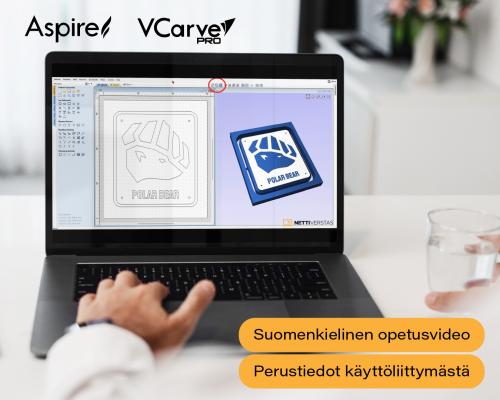
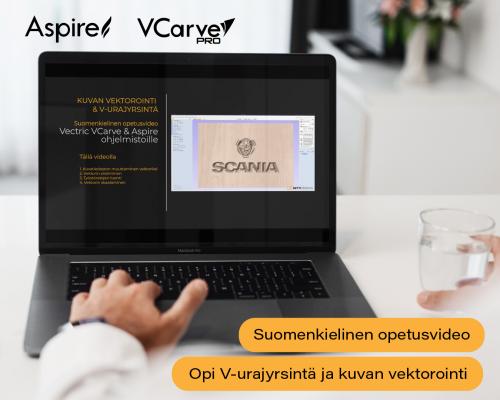
Import a finished drawing or draw it from scratch. Supported 2D formats are DXF, EPS, AI, SVG, SKP (SketchUp) and PDF. A full set of drawing and editing tools is included: shape creation, node editing, text tools, boolean operations, trimming, offsets and filleting. A bitmap image can be traced automatically, turning a logo or sketch into a machinable vector.
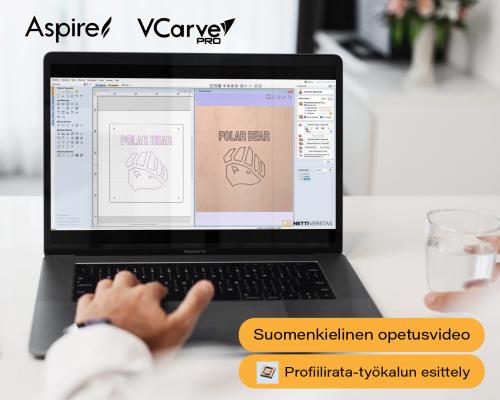
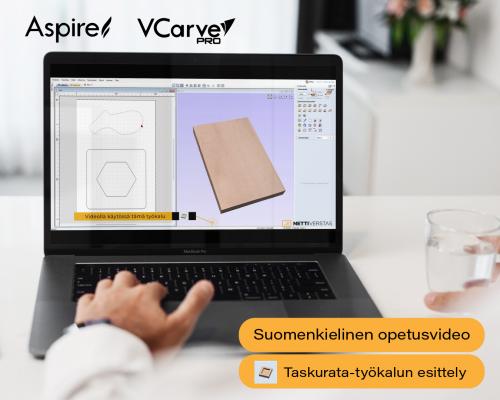
The 2D toolpaths cover the usual routing operations: profiling, pocketing, drilling, thread milling and auto-inlays. The 2.5D strategies add decorative work: V-carving, chamfer, fluting, prism, moulding, texture toolpaths and PhotoVCarving, which carves a photograph into wood. Every toolpath has its own settings for precise control.
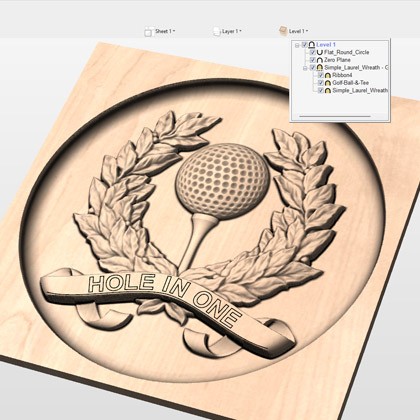
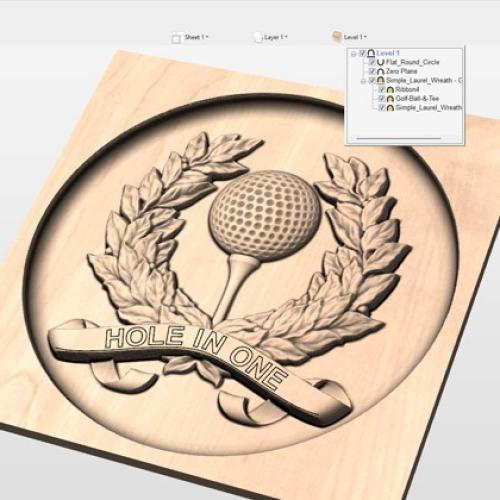
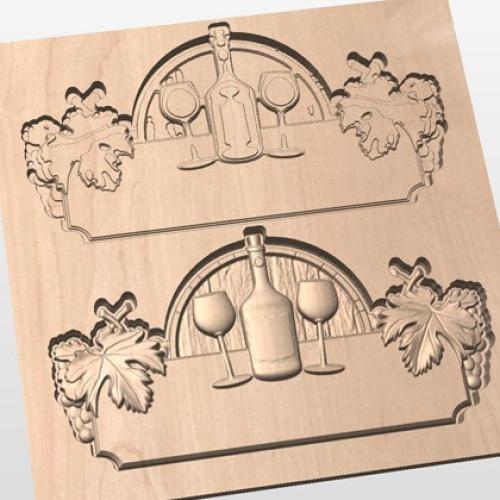
You can import a single third-party 3D model (STL, OBJ, SKP) and any number of Vectric's own V3M clipart models, assembled into your own composition. Roughing and finishing toolpaths are calculated for the 3D model, and a 2D or 2.5D toolpath can be projected onto the 3D surface.
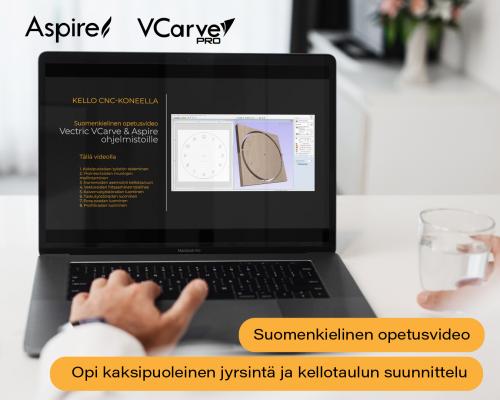
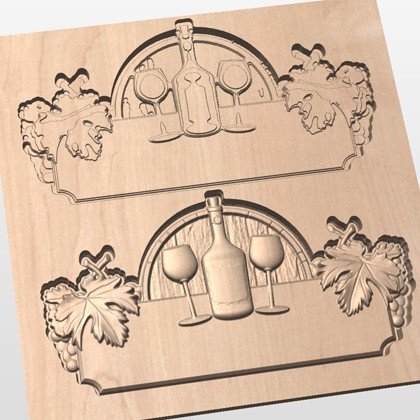
Two-sided work is done in one session: both sides are designed in the same file, with no need to split the job into two projects. A rotary fourth axis (indexer) is supported, and the job is shown wrapped in its true form.
Every toolpath can be previewed as a realistic 3D simulation. You see the result before cutting and can optimise the paths before the material is in the machine. The software also estimates machining time.
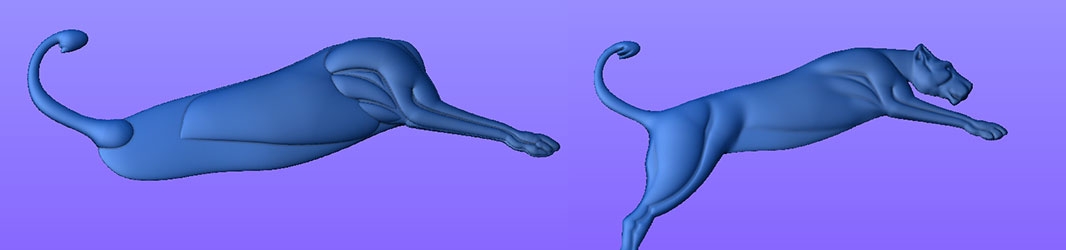
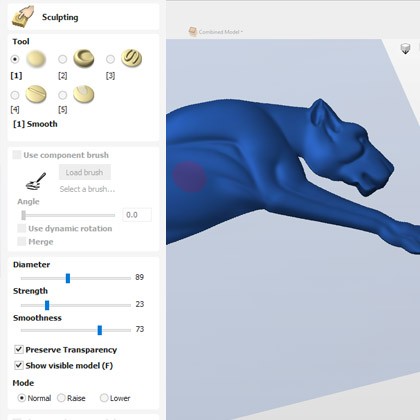
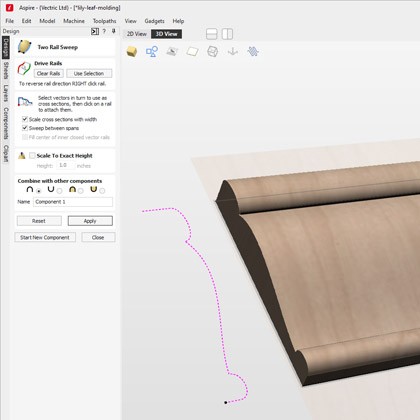
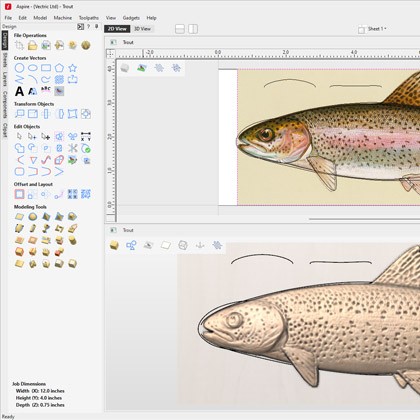
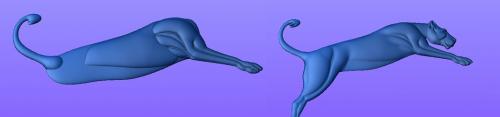
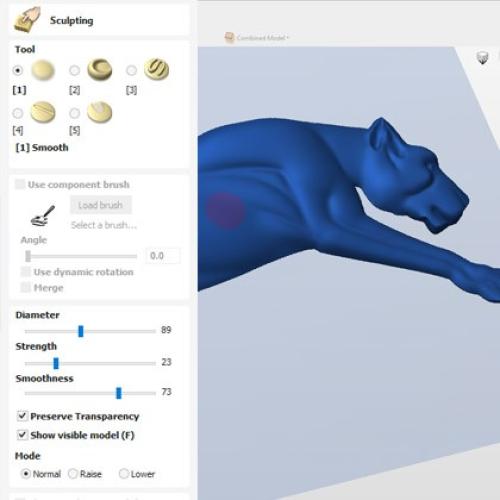
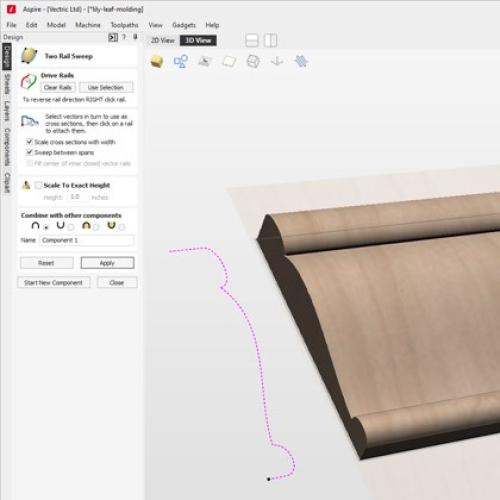
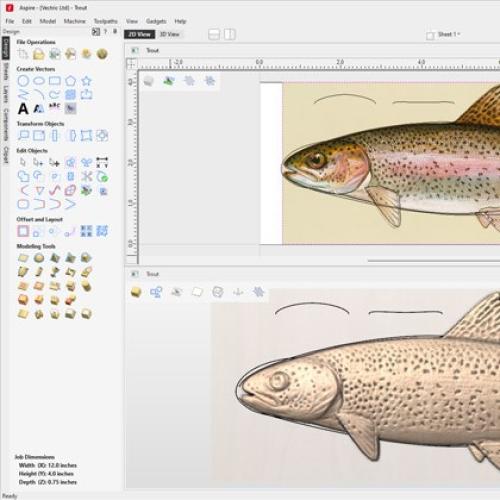
Aspire is built on the same platform as VCarve Pro and includes all of its tools. The difference is that with Aspire you create your own 3D models rather than only machining ready-made ones. A 2D sketch, photograph or drawing becomes a 3D relief, for which roughing and finishing toolpaths are calculated.
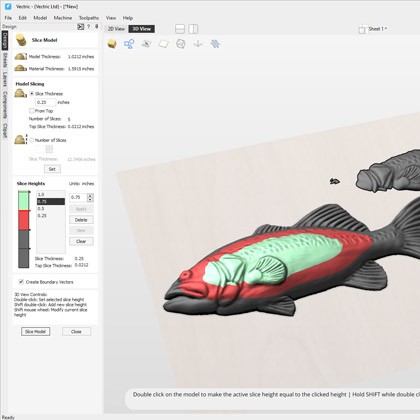
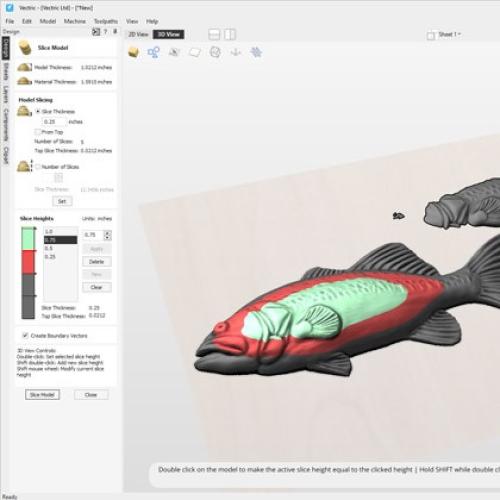
Relief slicing cuts a deep relief into slices that are machined separately and glued together, so depth is not limited by the machine, the tooling or the material thickness.
An extensive library of ready-made 3D models is included, with a clipart browser for finding models and dropping them straight into the job.
Brand: Vectric
 You'll get 451.8 rewardpoints
The calculations are based on the Grenke leasing price list, which does not include insurance. Insurance is compulsory and the customer can either purchase their own insurance or take it out with the same contract. Leasing financing is only granted to companies with a valid business ID.
Lease period 12-72 months.
Leasing prices VAT 0.
Option to redeem at the end for your own final delivery price, which will be shown under the product and in the summary. The minimum final delivery price is 70€ VAT 0.
After placing an order with leasing financing, you will receive within 1-2 days by email the contracts for electronic signature.
If you wish to use your own insurance, the leasing company will require a certificate of insurance showing the following:

Aspire includes everything in VCarve Pro and adds 3D modelling. With the other programs in the range you machine ready-made 3D models; with Aspire you create them yourself — a 2D sketch, photograph or drawing becomes a 3D relief.
The current version is V12.5. Aspire is the full version of the range — there is nothing above it.
100% Trustworthy online store with history
Expert customer service
Fast deliveries
Large selection directly from stock
No middlemen - save on the price





 Suomeksi
 På Svenska















 add to cart