Login
Shipping Country
Super CLEARANCE CAMPAIGN - Selected tools and accessories with Super Special prices! - CHECK HERE
READ MORE
Login
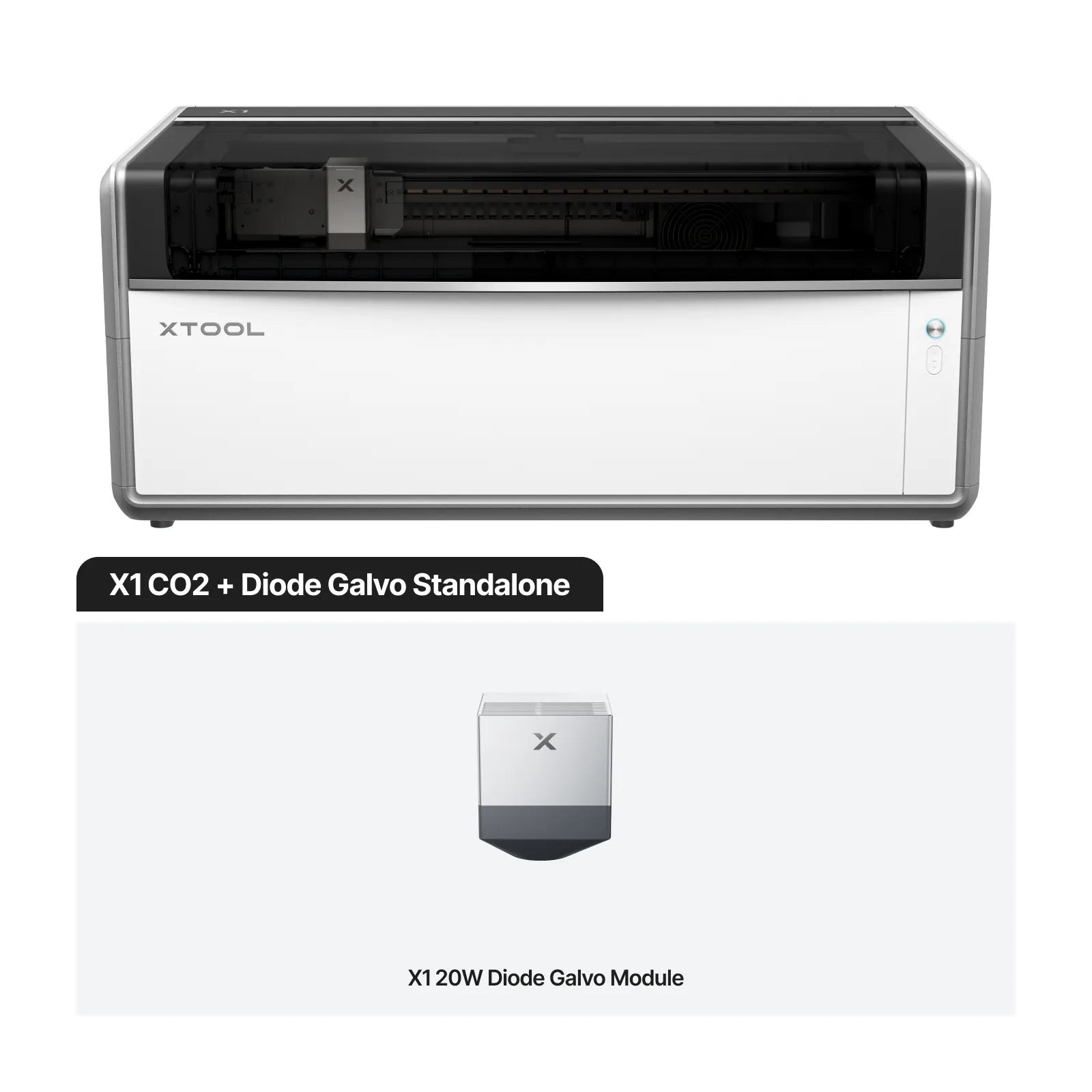
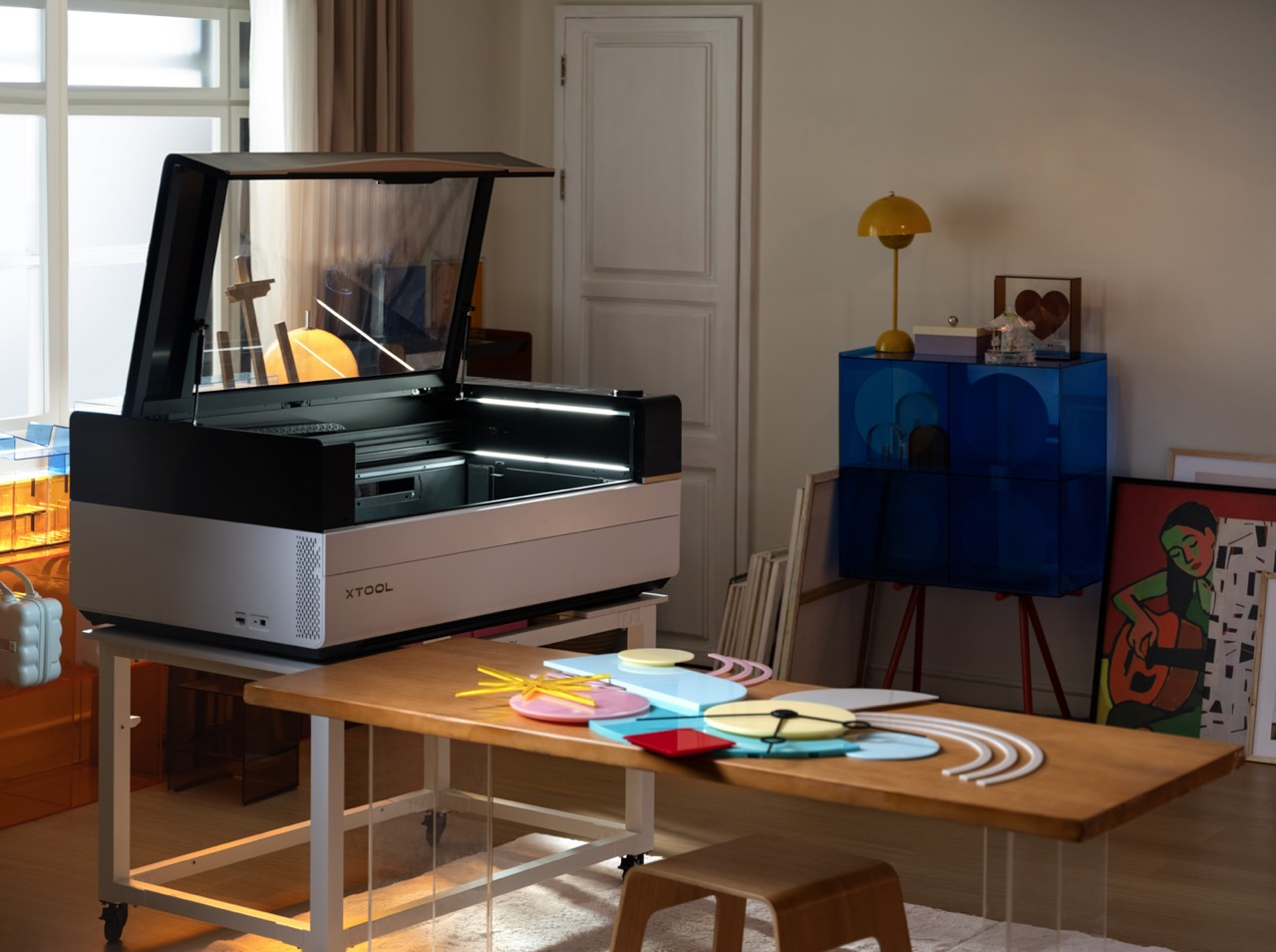
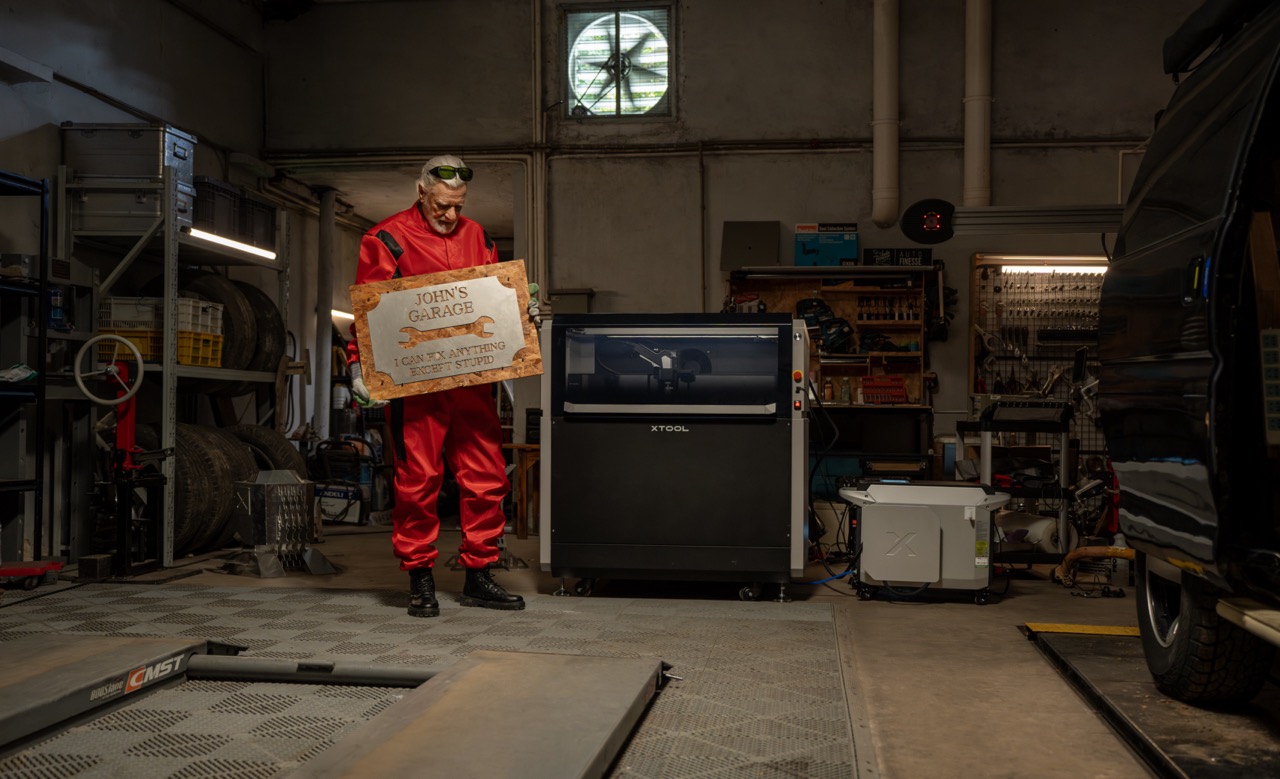
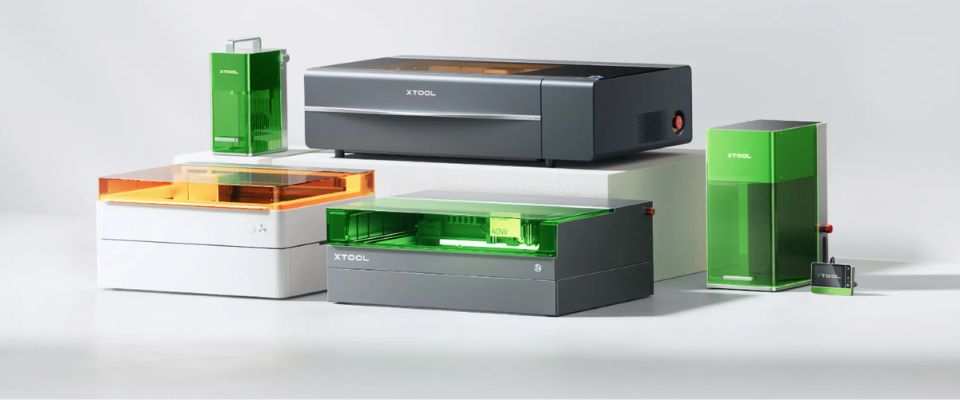
The xTool X1 is a Class 1 laser cutter and engraver that combines two worlds: a 55 W CO2 laser that cuts plywood, acrylic, leather and card, and galvo engraving that marks and engraves at up to 6,000 mm/s — including stainless steel, aluminium and brass. Four laser sources mount on the same body: a 20 W diode, a 30 W fiber laser, a 60 W MOPA and a 5 W UV laser.
This guide covers what each laser source does, the difference between a fiber laser and a MOPA laser, and which X1 configuration — Standalone, Versatile or All-in-one — suits which use: signage and awards, batch engraving, permanent metal marking, production and business use.
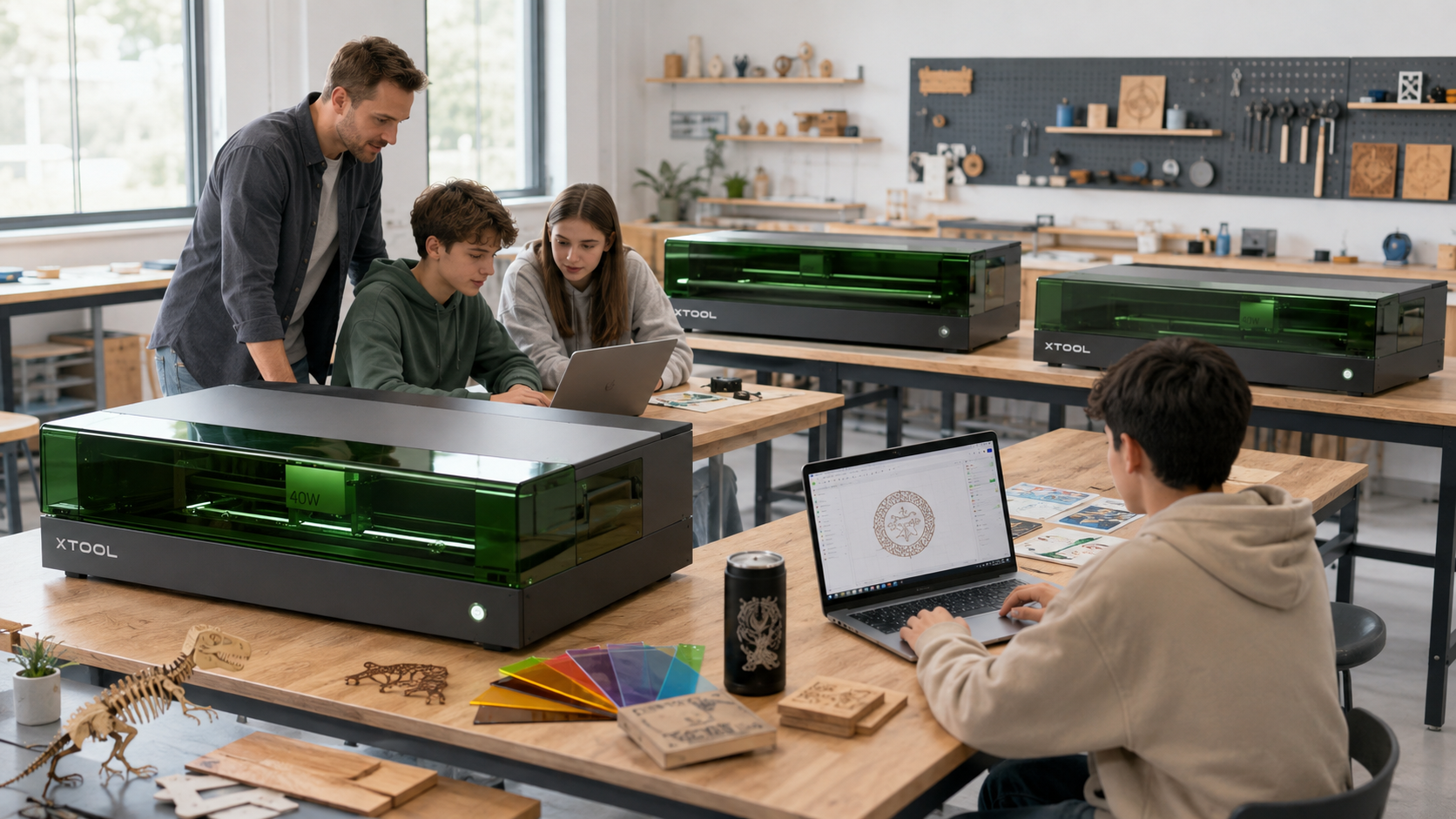
The X1 is a fully enclosed Class 1 laser device: no safety glasses or separate laser room needed, so it suits workshops, production spaces and schools. The working area is 615 × 320 mm, and the CO2 laser cuts up to 18 mm plywood and 20 mm acrylic.
Positioning is handled by three cameras: an 8 MP overview camera, a 12 MP close-up camera accurate to better than 0.3 mm, and LiDAR for autofocus. At the back sits the Laser Swap platform where galvo sources mount without tools — the configuration can be extended later.
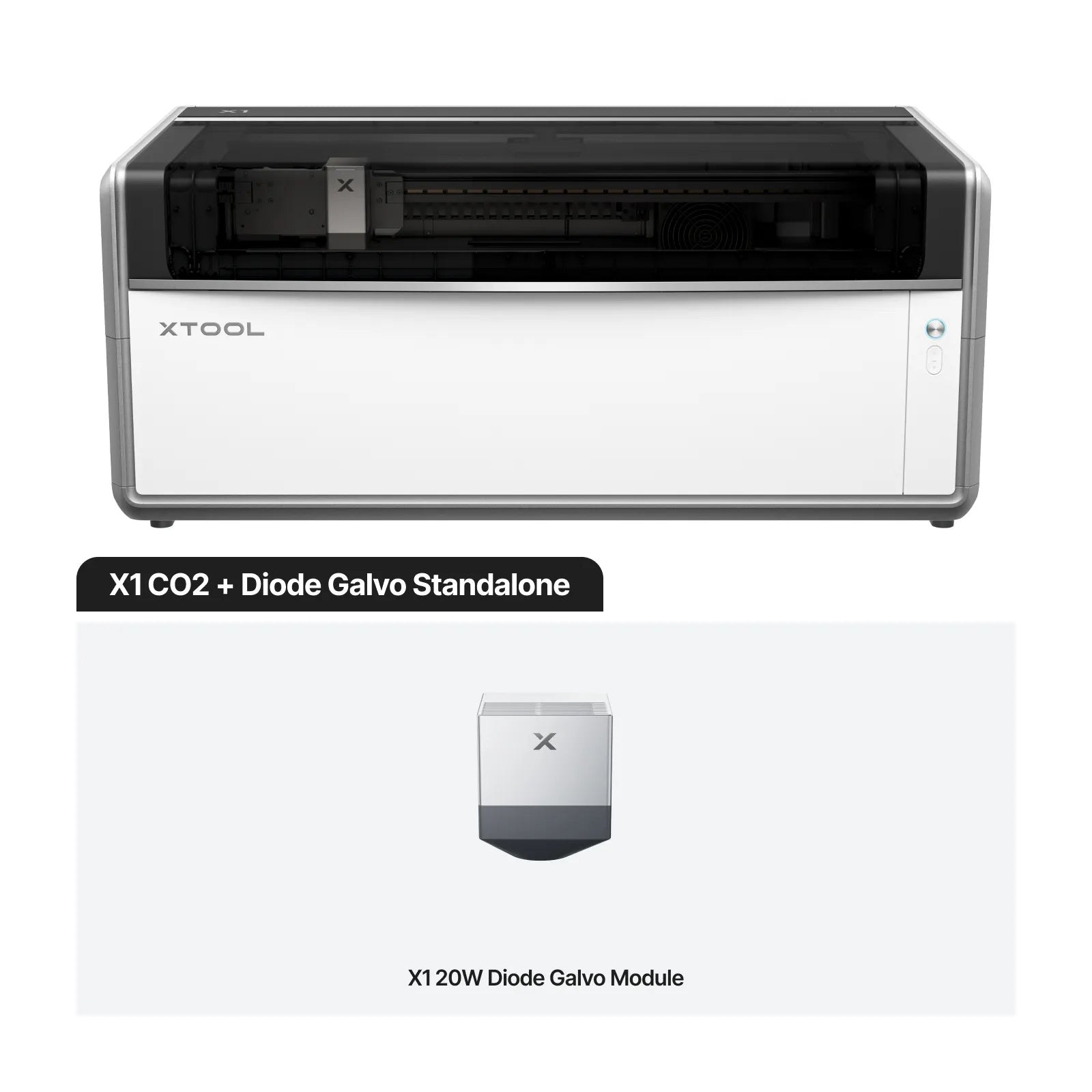
The CO2 laser is the machine's cutting tool: plywood, MDF, acrylic, leather, card and many other non-metals. Cutting speed is up to 600 mm/s, and the enclosed housing keeps smoke and radiation inside. The CO2 also engraves glass, stone and coated metal.
CO2 cutting and galvo engraving run in the same job file: xTool Studio cuts the blank with the CO2 and marks the details with the galvo using a single alignment.
In galvo engraving, mirrors steer the beam at up to 6,000 mm/s — several times faster than gantry engraving, so batch jobs finish in minutes. Four sources are available for the X1 — click to expand:
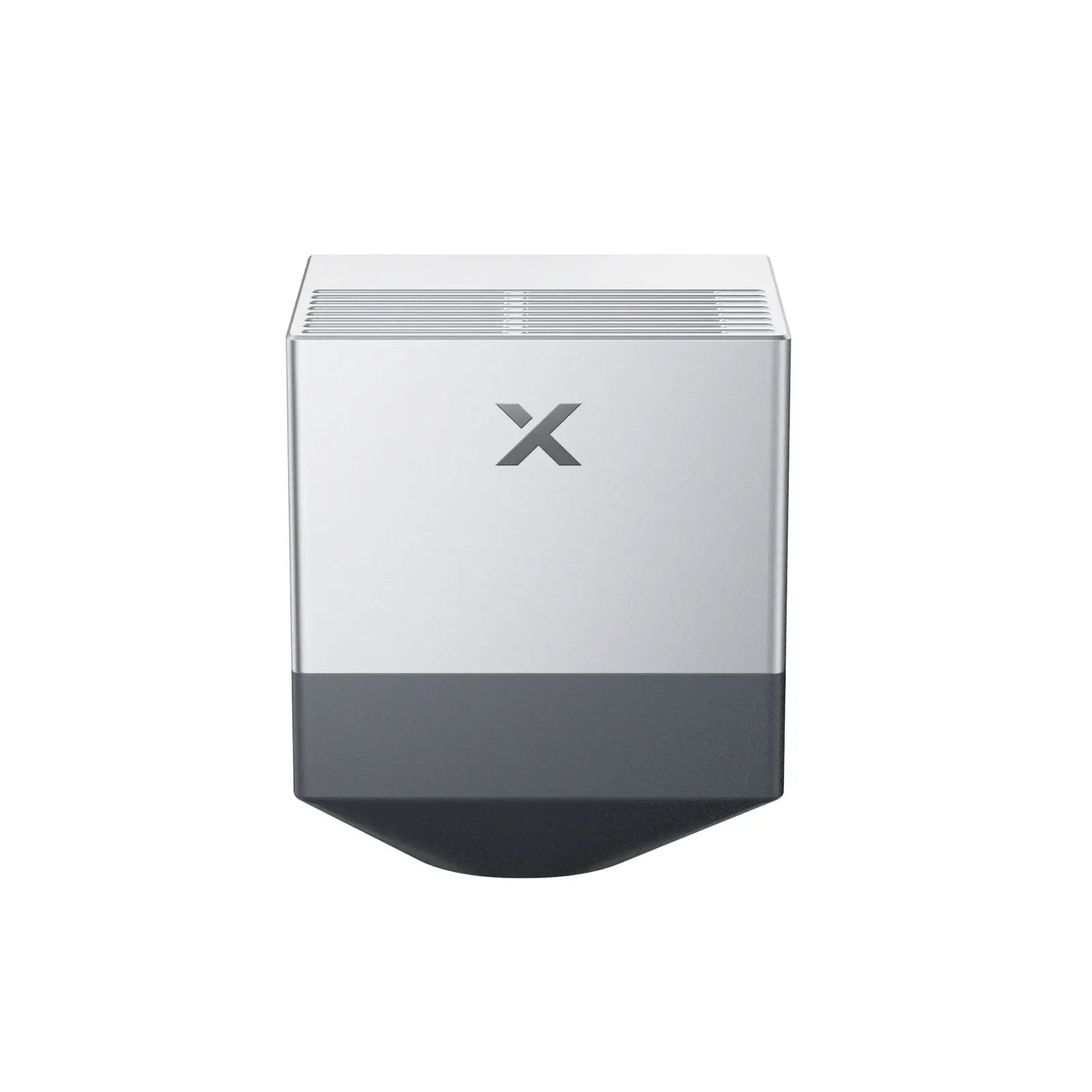
The diode galvo is the base the other sources mount onto. It engraves wood, leather, coated metal and plastic, and covers marking work. 20 W diode galvo module in the shop.
The fiber source is the core metal source: permanent marking, deep engraving and thin-metal work with a 0.05 mm spot — steel, aluminium, brass, tools, plates and serial numbers. The fixed-pulse source works metal in a single colour. 30 W fiber galvo source in the shop.
MOPA is the professional version of the fiber laser: pulse duration and frequency are adjustable, which enables colour engraving on stainless steel, deep reliefs, thin-metal cutting and leather work with a 0.04 mm spot. 60 W MOPA galvo source in the shop.
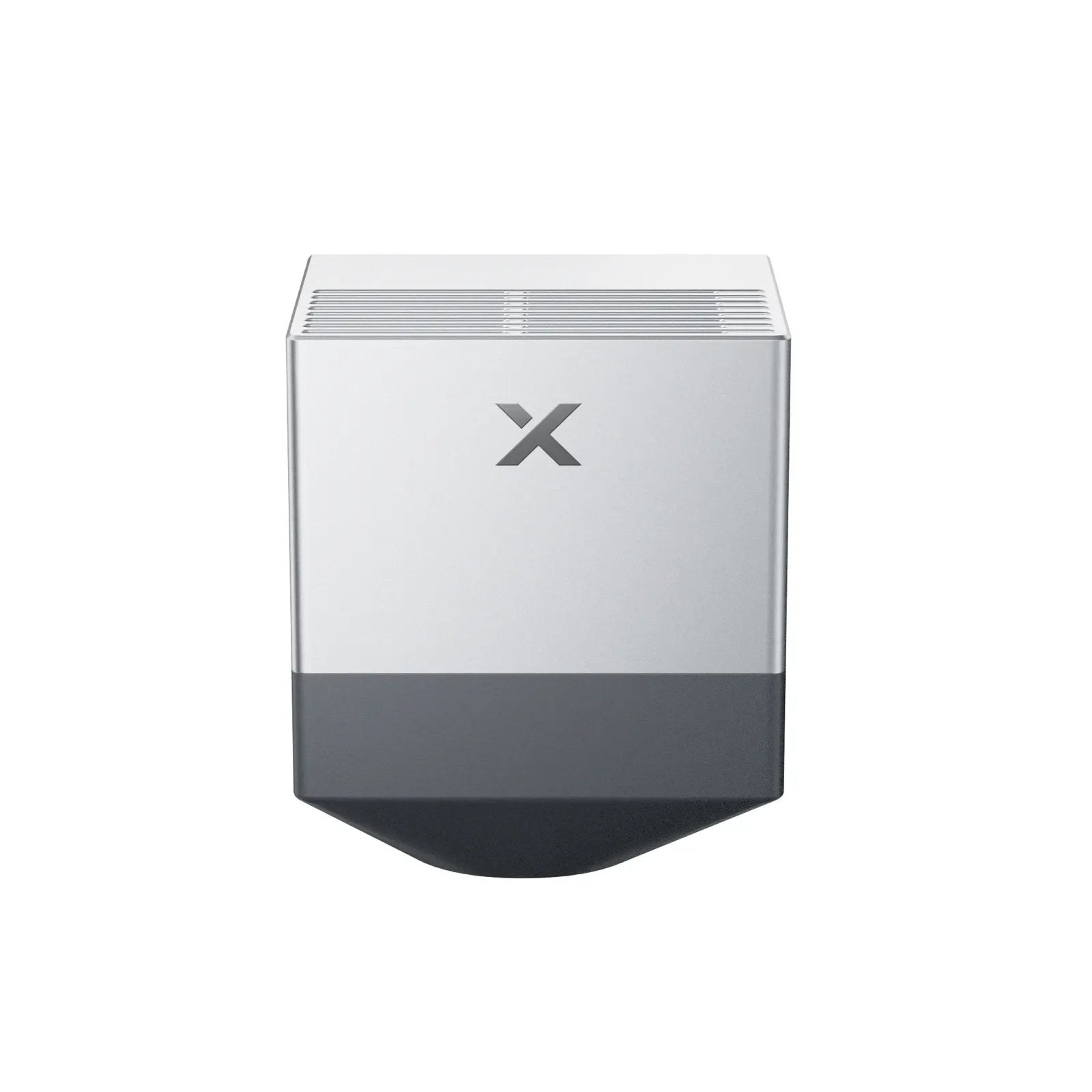
The UV source marks materials that heat would damage: plastics, glass and electronics. Cold marking for precise, permanent marks on demanding objects. 5 W UV galvo source in the shop.
Both are fiber-based galvo sources for the same Laser Swap platform, but the pulse makes the difference: the fiber source has a fixed pulse, while the MOPA's duration and frequency are adjustable. That is why only the MOPA does colour engraving on stainless steel — the fiber source engraves in a single colour and costs less when colours are not needed.
| 30 W fiber | 60 W MOPA | |
|---|---|---|
| Pulse | fixed | adjustable duration and frequency |
| Spot | 0.05 mm | 0.04 mm |
| Colour engraving on steel | no | yes |
| Use | marking, deep engraving | colour engraving, deep reliefs, thin metal, leather |
The X1 is sold as ready-made configurations. Standalone is the machine with your chosen source. Versatile adds the RA3 rotary (cylinders up to Ø 110 mm — mugs, bottles), the intelligent conveyor feeder (material up to 610 × 1,500 mm) and a mobile work stand — a ready production cell. All-in-one also adds the SafetyPro AP2 air purifier, filtering 99.97% of particles: the laser runs indoors without ducting.
Configurations in the shop: X1 CO2 + diode galvo, Fiber Versatile, MOPA All-in-one — and the rest in the laser cutters and engravers category. Current prices are on the product pages.
The X1 is built for work that needs both cutting and fast engraving: sign and award making, product personalisation, permanent marking of serial numbers and logos on metal, giftware production, jewellery workshops and digital fabrication labs. Class 1 safety and triple-camera positioning make it easy to adopt even without prior laser experience.
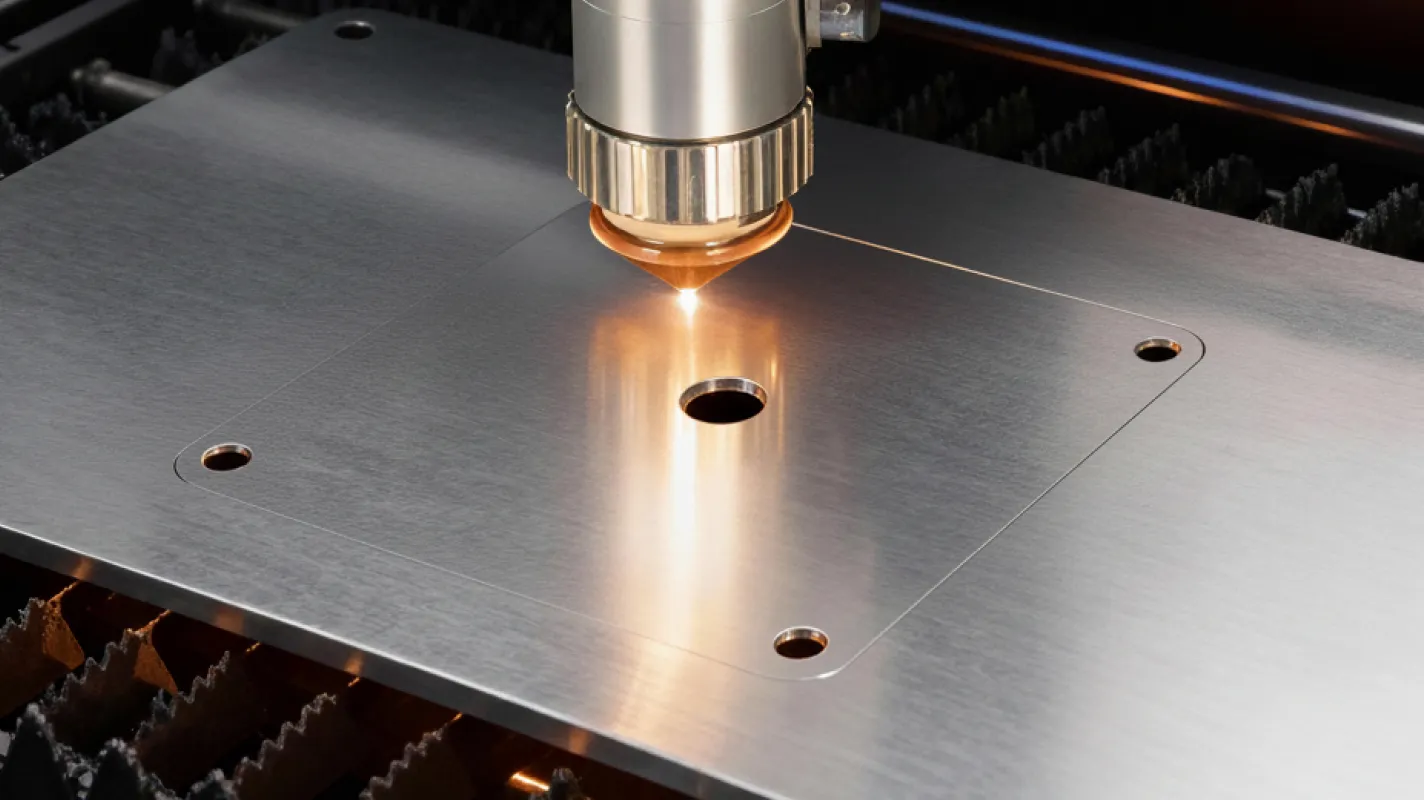
The 60 W MOPA source cuts thin metal and the 30 W fiber source works it. The X1 is not meant for cutting thick metal plate — its metal strength is marking, engraving and thin sheet.
No. The X1 is a fully enclosed Class 1 laser device that can be used in a normal workspace without safety glasses.
Yes. The Laser Swap platform accepts sources without tools, and the sources are sold separately. The other sources require the 20 W diode galvo module they mount onto.
Versatile adds the RA3 rotary, the conveyor feeder and the work stand. All-in-one also adds the SafetyPro AP2 air purifier, so no ducting is needed.
Yes — with the RA3 rotary included in the Versatile and All-in-one bundles. The maximum diameter in the X1 is 110 mm.
See all X1 configurations and galvo sources in the laser cutters and engravers category, or ask us for help choosing — customer service in English and Finnish, with instalment financing and leasing for up to 72 months.
100% Trustworthy online store with history
Expert customer service
Fast deliveries
Large selection directly from stock
No middlemen - save on the price






 Suomeksi
 På Svenska