Super CLEARANCE CAMPAIGN - Selected tools and accessories with Super Special prices! - CHECK HERE

READ MORE
Shipping Country

xTool Apparel Printer — DTF Printing: Your Own Shirts and Textiles

xTool Apparel Printer — DTF Printing: Your Own Shirts and Textiles

9 hours ago

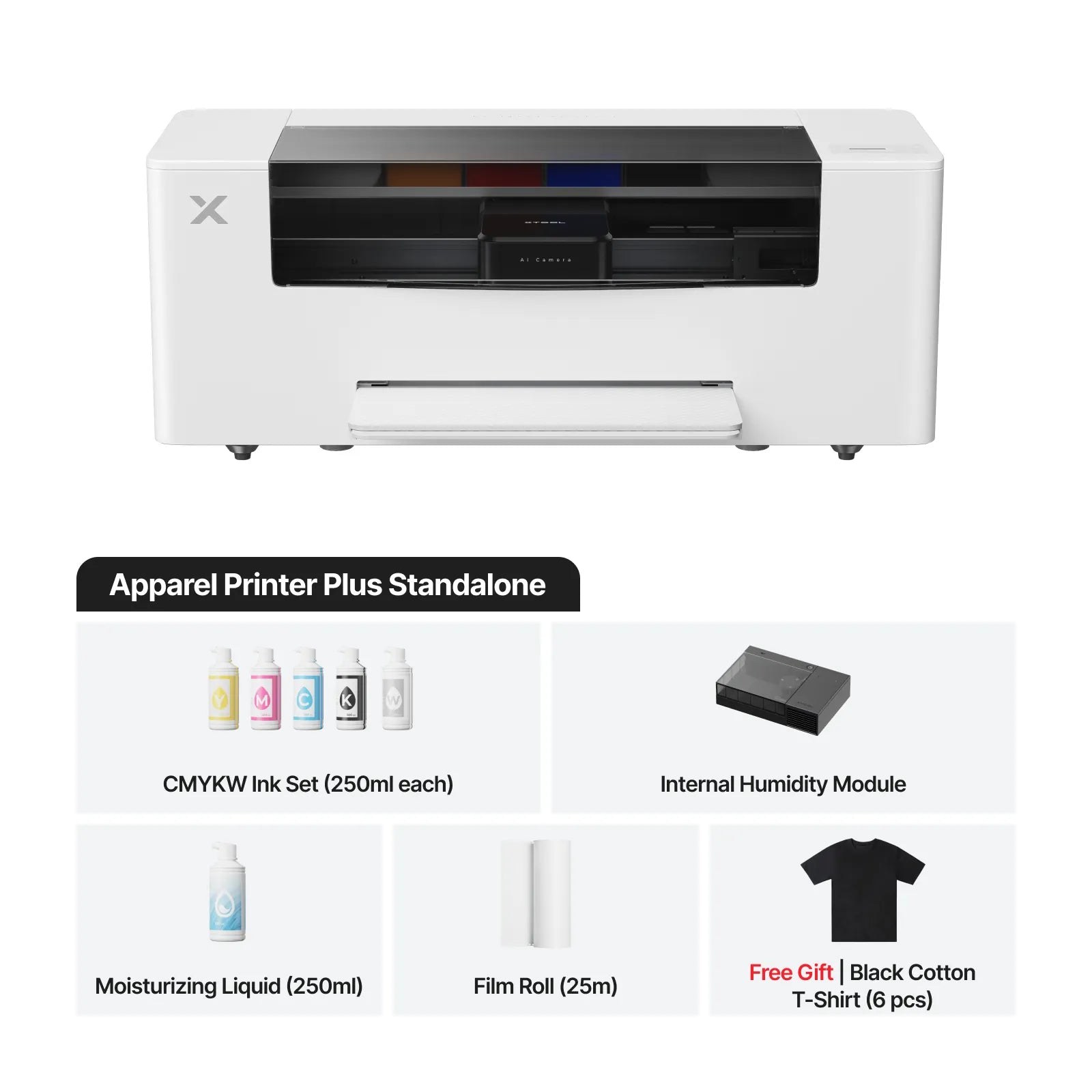
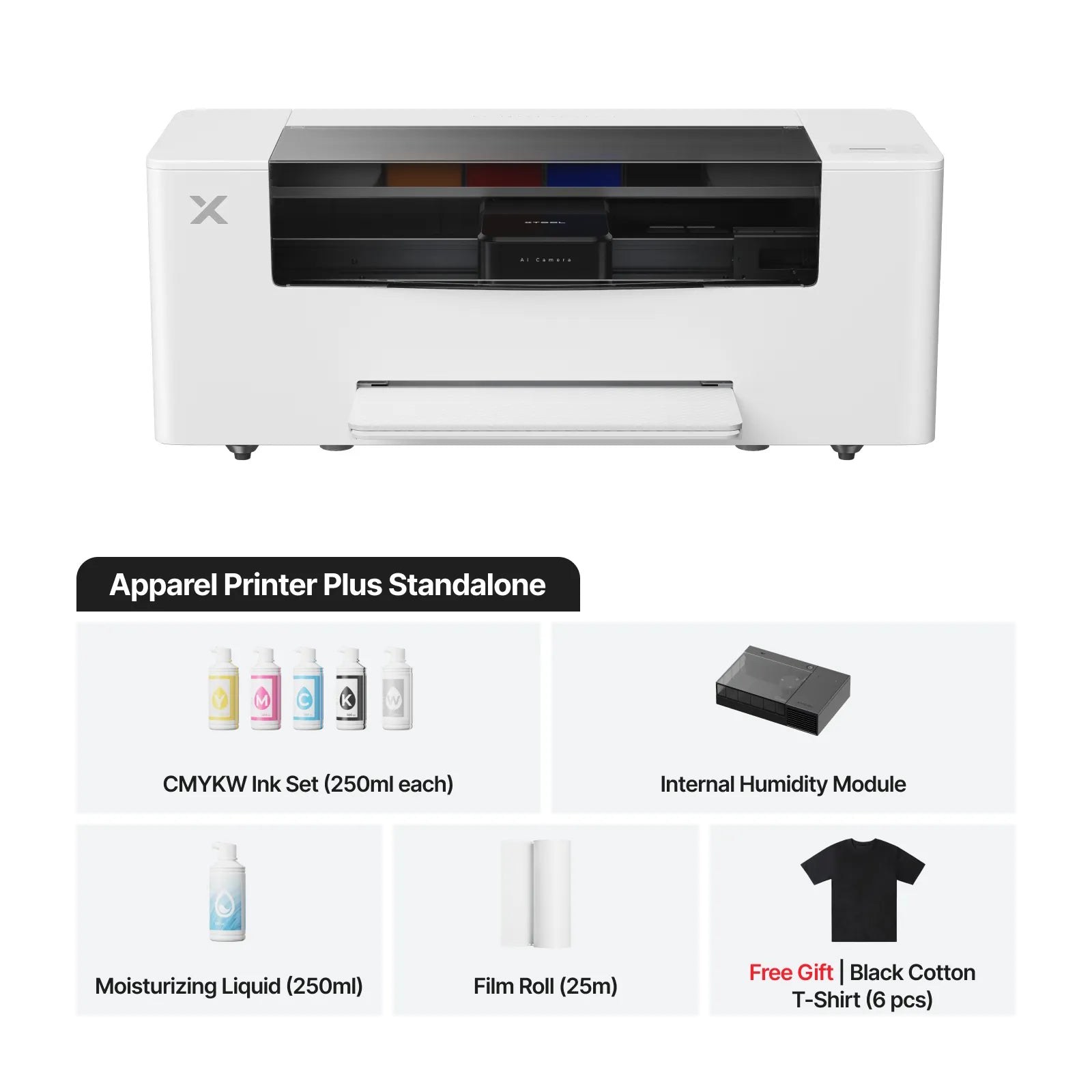
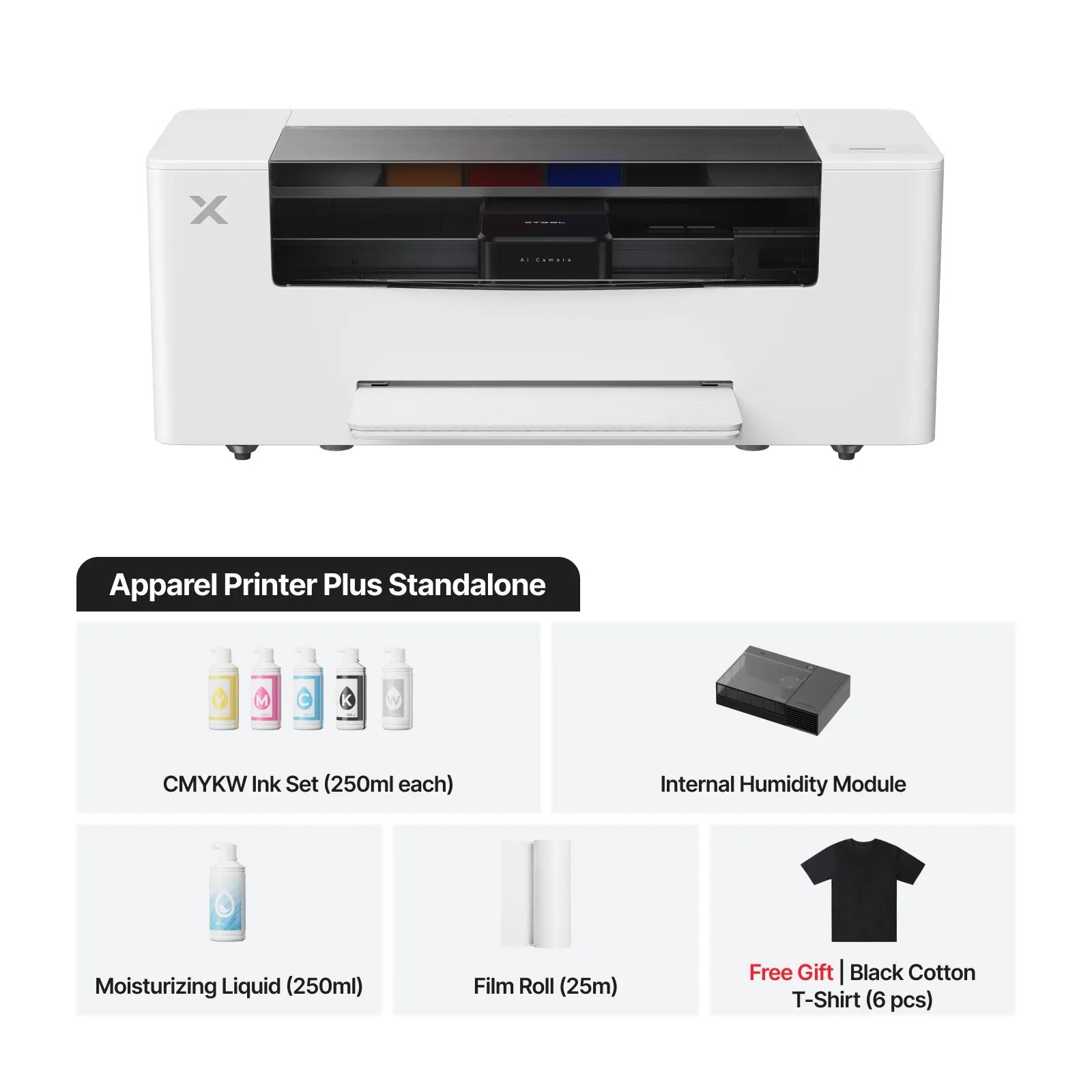
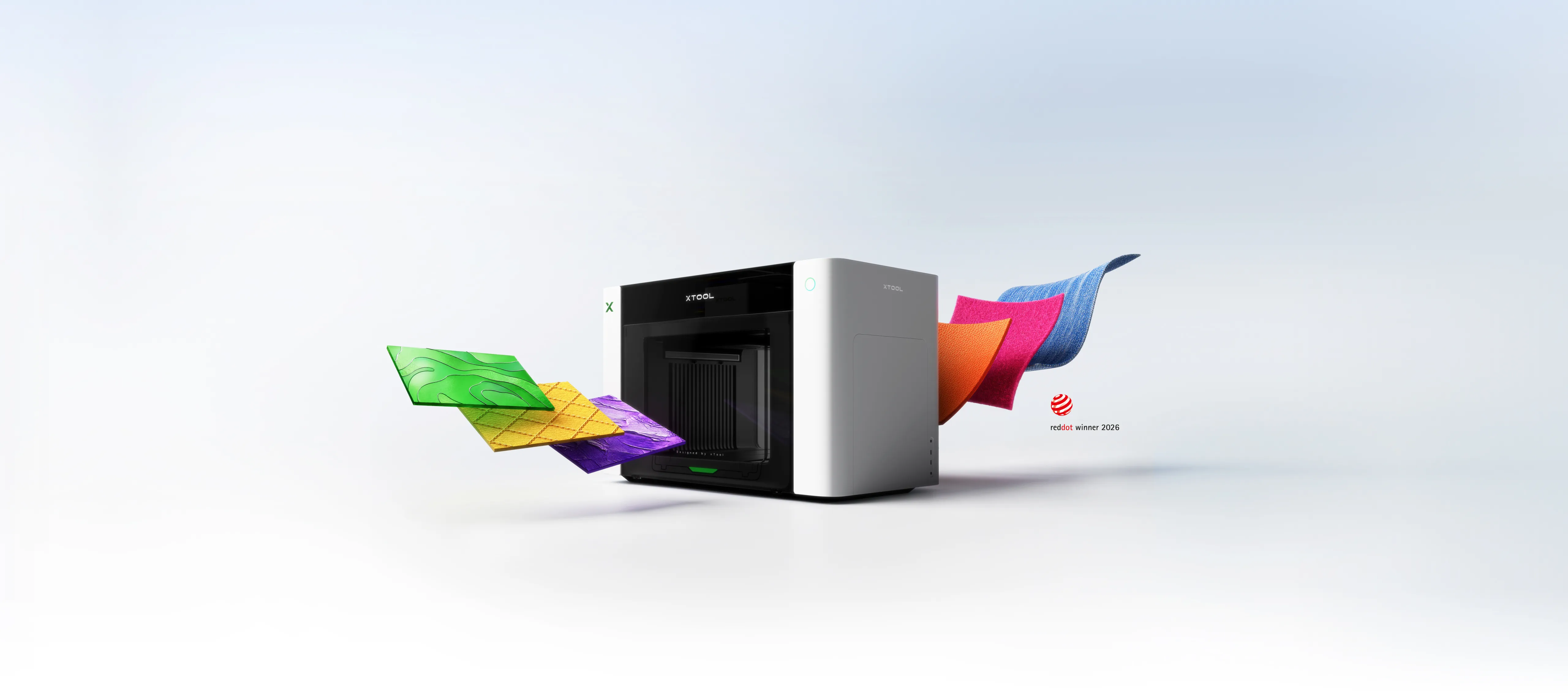
The xTool Apparel Printer Plus is a DTF textile printer that puts a shirt print shop behind one button: two Epson I1600 print heads lay down CMYK colours and four white channels onto transfer film at up to 4.6 m² per hour, and auto-maintenance keeps the heads ready to print even across breaks. DTF transfers work on both light and dark textiles: cotton, polyester, denim, canvas, elastane and nylon.

This guide covers what DTF printing is and what it can do, what the workflow looks like from design to finished shirt, which of the three configurations — Plus, Plus + OS1 oven or All-in-1 — fits which use, and which accessories keep production running.

What is DTF printing?

DTF (Direct to Film) means printing onto transfer film: the image is first printed on film with colour inks and a white base, adhesive powder is applied to the film, the powder is heat-cured, and finally the finished transfer is pressed onto the textile with a heat press. Nothing is printed directly on the garment — which is why the same transfer works on very different fabrics.
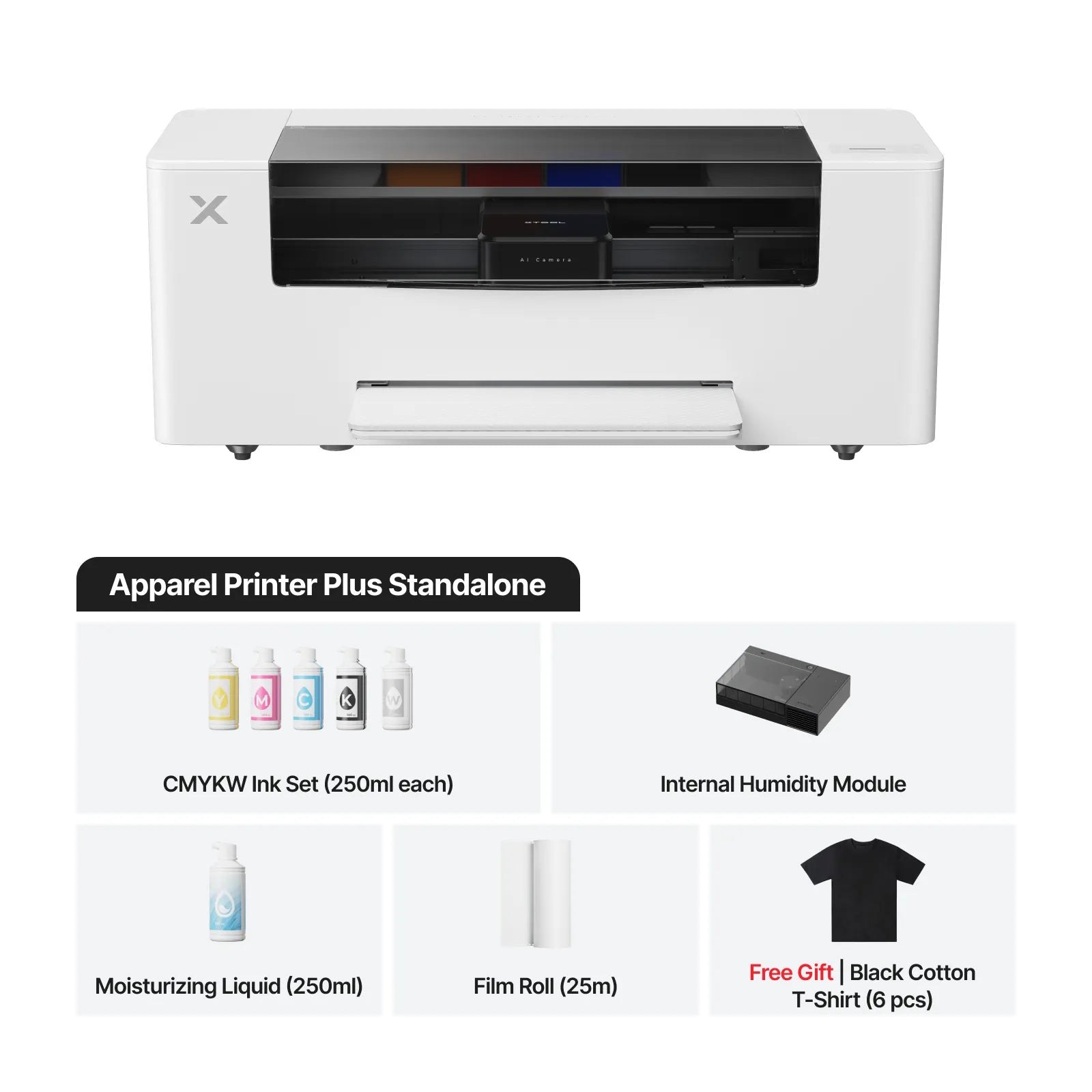
xTool Apparel Printer Plus DTF textile printer

The white base is the heart of DTF: thanks to it, colours stay vivid even on black and dark fabric. The Apparel Printer has four white channels (CMYK + WWWW) and prints at 720 × 1,800 DPI with a minimum droplet of 3.8 pl — fine detail and gradients reproduce well.

Why is white ink the weak point of DTF printers?

White ink is heavily pigmented and settles when idle, clogging the heads. The Apparel Printer solves this at machine level: automatic ink mixing and circulation (WIMS), wet capping and automatic head cleaning keep the white flowing even across breaks.

What can the Apparel Printer do?

DTF transfers work on practically all textiles, light and dark, so the range of uses is wide:

  • T-shirts and hoodies — your own collections, event shirts and short runs without screen-printing equipment.
  • Workwear and club wear — logos and names on workwear, team kits and supporter gear; the transfer suits elastane and works on sportswear too.
  • Bags, aprons and textile accessories — cotton tote bags, canvas products and denim.
  • Sales runs and custom orders — 4.6 m²/h and a 356 × 600 mm sheet are enough for production: a day's batch of shirts is done in a working day, not a week.

Design, RIP processing and nesting are handled in the included xTool Studio software (Windows, macOS, Android, iOS) — no separate RIP licence needed. Gold and silver foils add a metallic shine to transfers.

If you want to print on hard objects instead — bottles, cases, wood or acrylic — the right tool is a UV printer: see the O1 Omni Printer guide and the UV technology selection guide. For stickers and cards, look at the C1 Color Cutter.

The workflow: from design to finished shirt

DTF production runs in five steps:

  1. Design in xTool Studio — AI design and automatic nesting fill the sheet efficiently.
  2. Print onto film — colours and the white base in one pass, up to 4.6 m²/h.
  3. Powder and cure — adhesive powder is applied and cured. The OS1 shaker oven does this automatically: it cuts the film, applies and shakes the powder and bakes the sheet at 130 °C with no manual steps.
  4. Press — the transfer is fixed onto the textile with a heat press and the film is peeled away.
  5. Done — the same transfer works on light and dark fabric.
xTool Apparel Printer Plus with the OS1 shaker oven
Can I powder by hand without the OS1 oven?

Yes: the adhesive powder can be applied and cured by hand, and many start that way. The OS1 removes the slowest and messiest manual step — its enclosed build keeps powder and fumes inside the cabinet, and the 2 kg powder tank lasts long runs. In production the oven pays for itself in saved time.

What do I need from the heat press?

A heat press is not included with the Apparel Printer. An ordinary flat press is enough for DTF transfers — ask us for a suitable model and we will size it to your volume and product size.

Which configuration: Plus, Plus + OS1 or All-in-1?

The Apparel Printer is sold in three configurations. The printer is the same in all of them — the difference is finishing automation and air purification:

PlusPlus + OS1All-in-1
DTF printer (2 × Epson I1600)✓✓✓
OS1 shaker oven: powdering and baking automated—✓✓
SafetyPro AP2 air purifier (99.97% of particles)——✓
Best forGetting started and small runs — powdering by handRegular production with no manual stepsA complete indoor production line — the manufacturer recommends the AP2 alongside the OS1
xTool Apparel Printer Plus All-in-1 bundle: printer, OS1 oven and AP2 air purifier

All configurations share the same 356 mm print width, 356 × 600 mm maximum print area and sheet feed. The printer weighs 34 kg; the OS1 is a floor-standing 72 kg unit with a 0.38 m² footprint.

Accessories and upkeep

Auto-maintenance handles the daily work: head cleaning, moisturising and ink circulation, with remote monitoring from the app. These accessories keep production running:
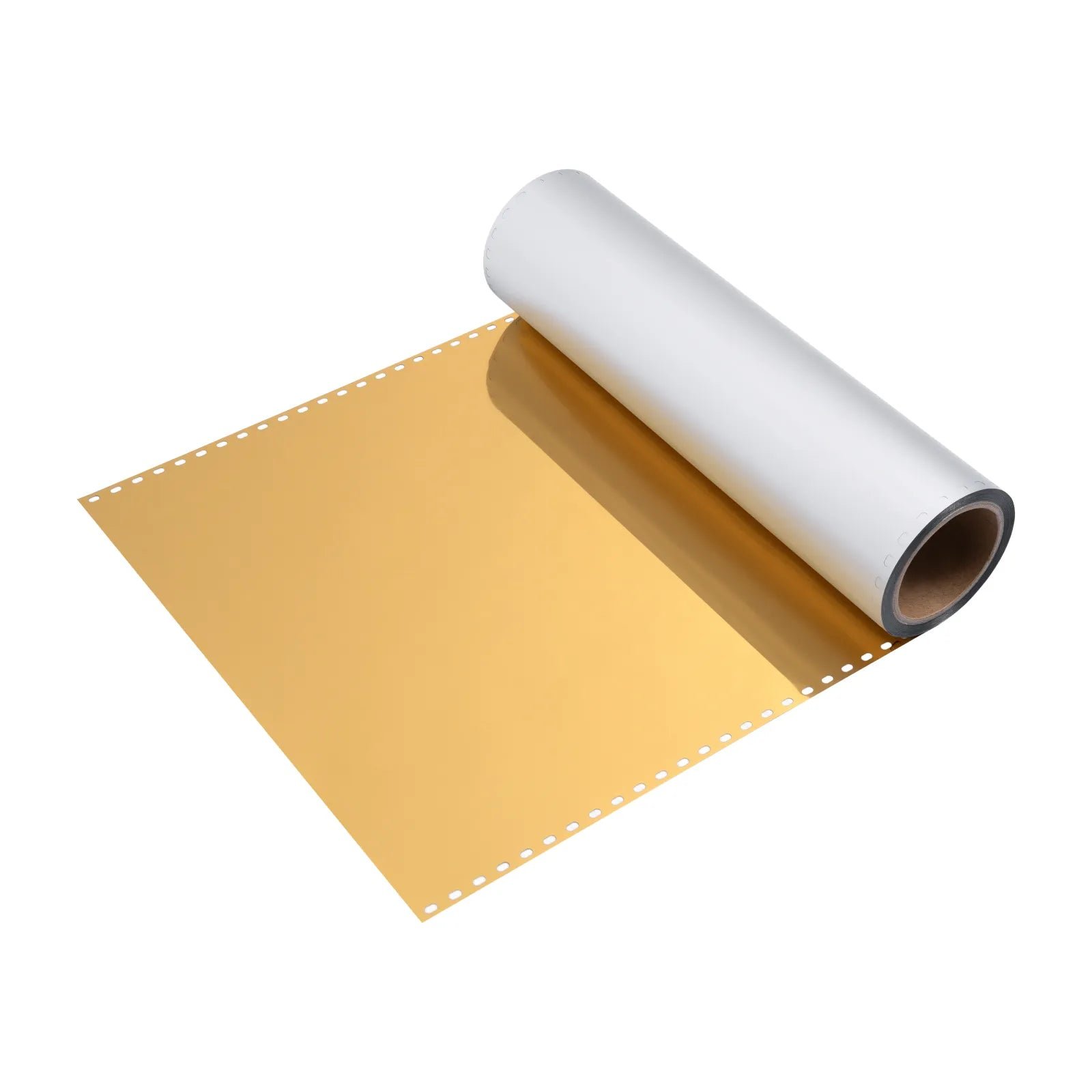
Gold foil film for the Apparel Printer (30 m)

Frequently asked questions

Does DTF printing work on dark fabrics?

Yes — four white channels print an opaque white base, on top of which colours stay vivid even on black fabric.

Which fabrics do the transfers suit?

Cotton, polyester, denim, canvas, elastane and nylon — both light and dark textiles.

Do I need a separate RIP program?
No — the included xTool Studio covers RIP, AI design and automatic nesting (Windows, macOS, Android, iOS).

How fast is the Apparel Printer?

Up to 4.6 m² per hour (720 × 1,200 DPI) on 356 × 600 mm sheets — a day's batch of shirts in one working day.

What does the OS1 shaker oven do?

It cuts the film, applies and shakes the adhesive powder and bakes the sheet at 130 °C automatically — the enclosed build keeps powder and fumes inside the cabinet.

Is a heat press included?

No, not in any configuration — the transfer is pressed onto the textile with a separate heat press. Ask us for a suitable model.

Wondering which configuration fits you? Ask us — customer service in English and Finnish helps you choose, with financing and leasing up to 72 months available. See the machines: Apparel Printer Plus, Plus + OS1 oven and the All-in-1 bundle.
Comments
Laser cutting services for metal, plastic and wood in Rovaniemi
What Type of Gas Is Suitable for a MetalFab Laser Welding Machine / Laser Cutter? | A Guide to Choosing Gas Cylinders and Regulators
Laser cutting machine for school: What to consider?
Why buy a Record woodworking machine? Which is the best bandsaw, wood lathe or wet grinder?
Coronet Herald, Envoy and Regent - Premium-class Lathes
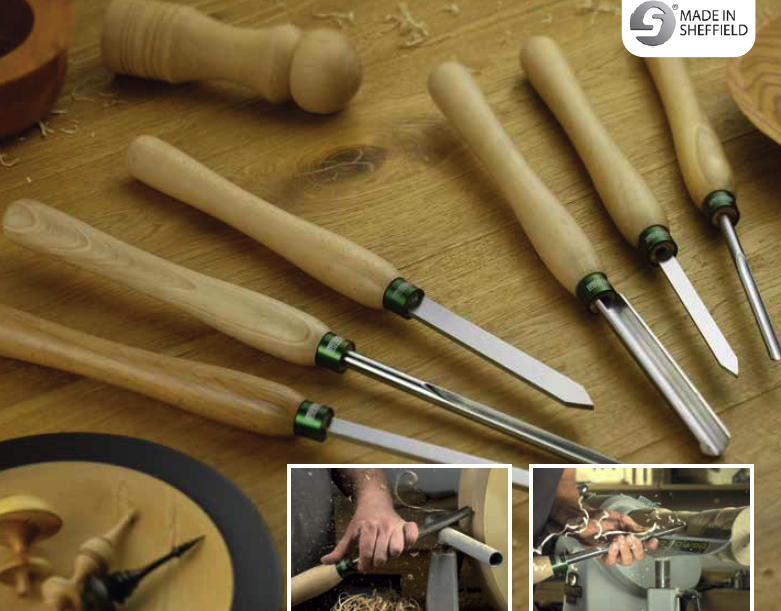
Record turning tools are made in Sheffield, England
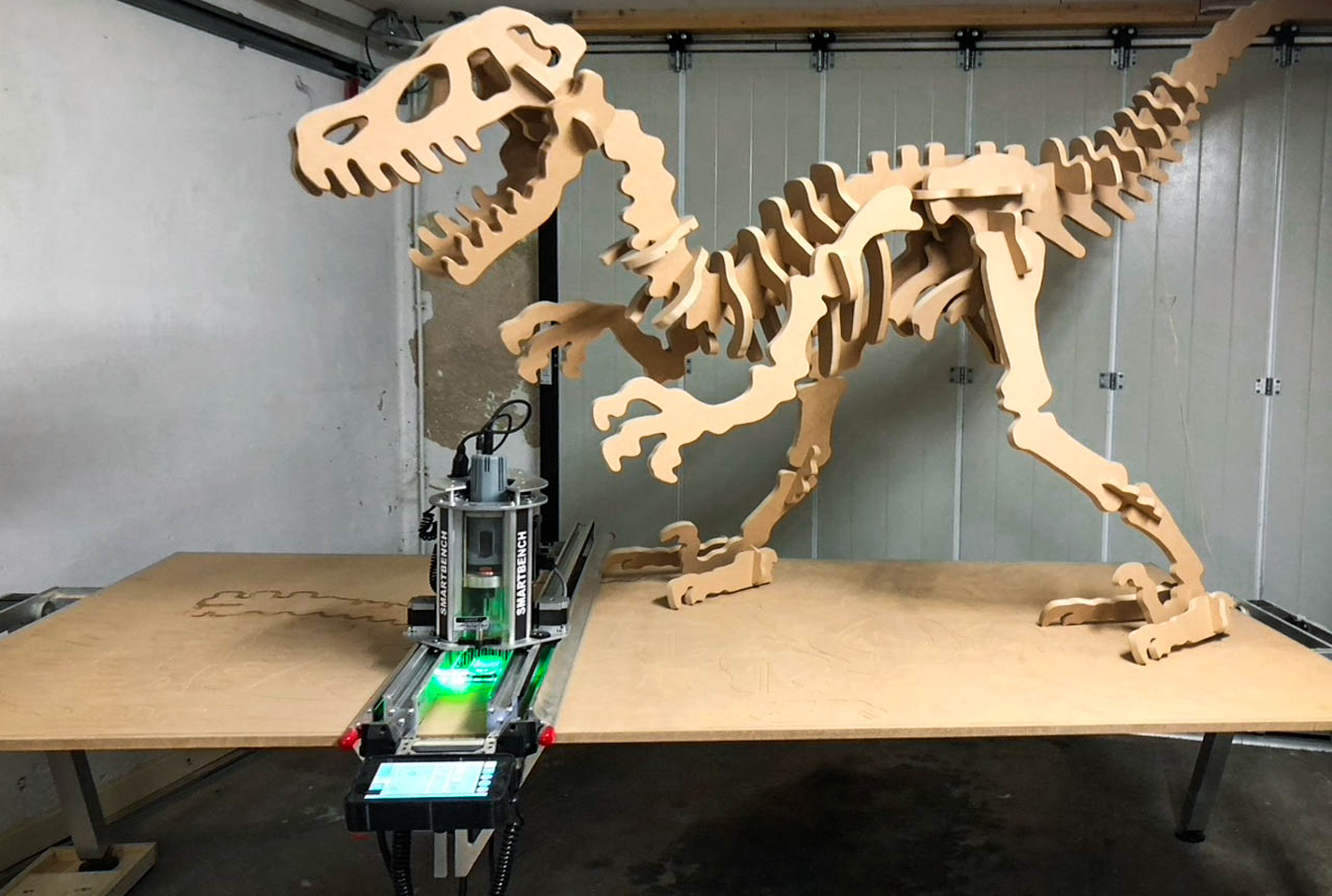
Yeti SmartBench – a genuinely different CNC machine | Carry it with you or lift it onto a shelf — still full sheet capacity
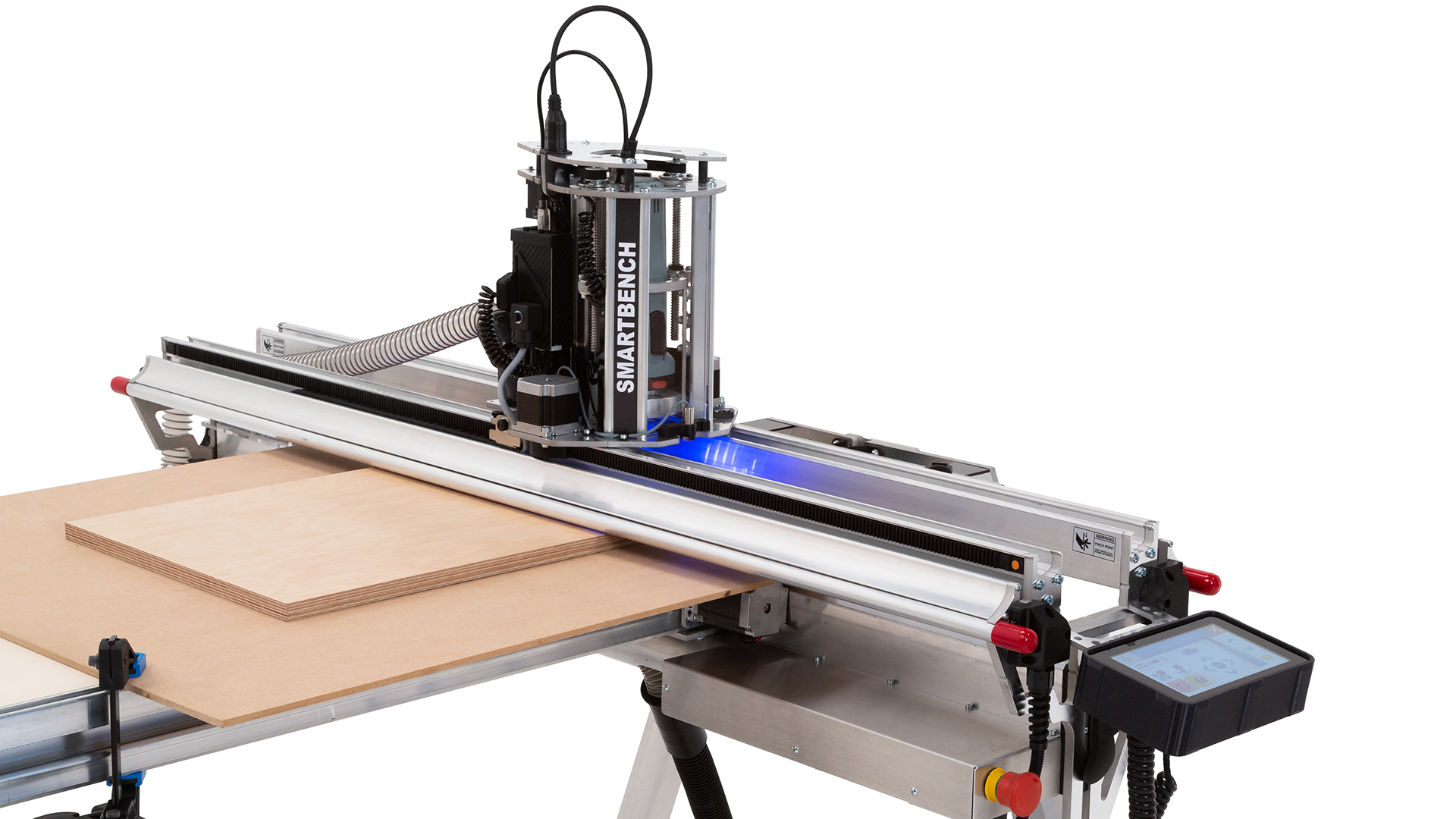
Yeti SmartBench – what are the benefits compared with a conventional CNC machine?
A DIY workshop bought a SmartBench for its members to use
The Record Sabre series — a new standard for premium bandsaws
Bandsaw Buyer’s Guide - Why Buy a Bandsaw?
Record Power - Chuck Jaw Range
VIDEO: A bandsaw is a precision tool — the one adjustment that stops crooked cuts
General Guide to Laser Cutting
Different types of laser machines - Before you buy Guide
Investing to a Laser cutter / Laser engraver: Is it worth it? Using and maintenance.
xTool - Differences between different laser devices - What is the difference between CO2, Diode and fibre laser?
Selection Guide: UV Printers and UV Lasers | Printing and Marking on Various Surfaces with UV Technology
xTool O1 Omni printer - different versions and materials - what you need to know before buying
xTool X1 Laser Cutter: 55 W CO2 and Galvo Lasers in One Machine
xTool C1 Color Cutter — Print and Cut with One Machine


Loading...